> ## Documentation Index
> Fetch the complete documentation index at: https://docs.hologram.io/llms.txt
> Use this file to discover all available pages before exploring further.
# Account overview page
> Your billing account page provides an overview of your billing account balance, billing address, and payment method. This is where you can add a billing address and credit card so that you can activate SIMs for the first time.
## Billing account balance
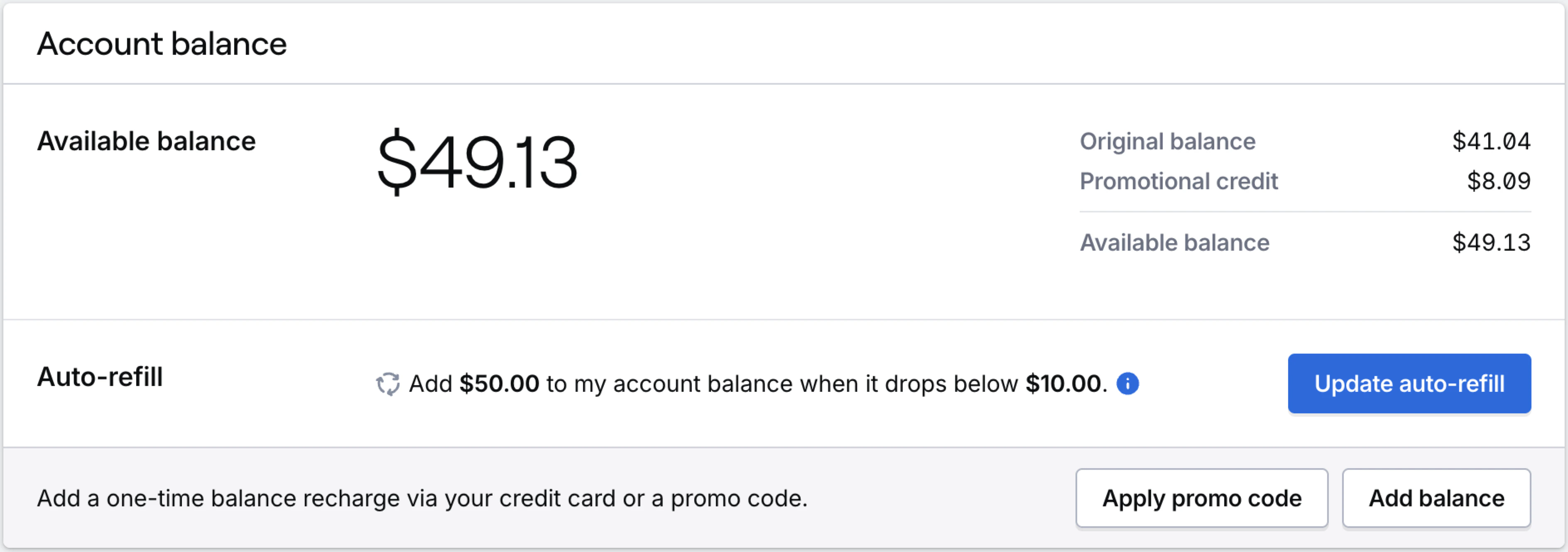
Most organizations are prepaid and will have a balance in their account that they will draw down from like a debit card. The **Account balance** card shows your current balance, a high level breakdown of your balance, and allows you to **Add balance** and **Apply promo codes**.
 ## Add or change a billing address
A billing address is required to activate SIMs, make purchases, and refill account balances.
## Add or change a billing address
A billing address is required to activate SIMs, make purchases, and refill account balances.
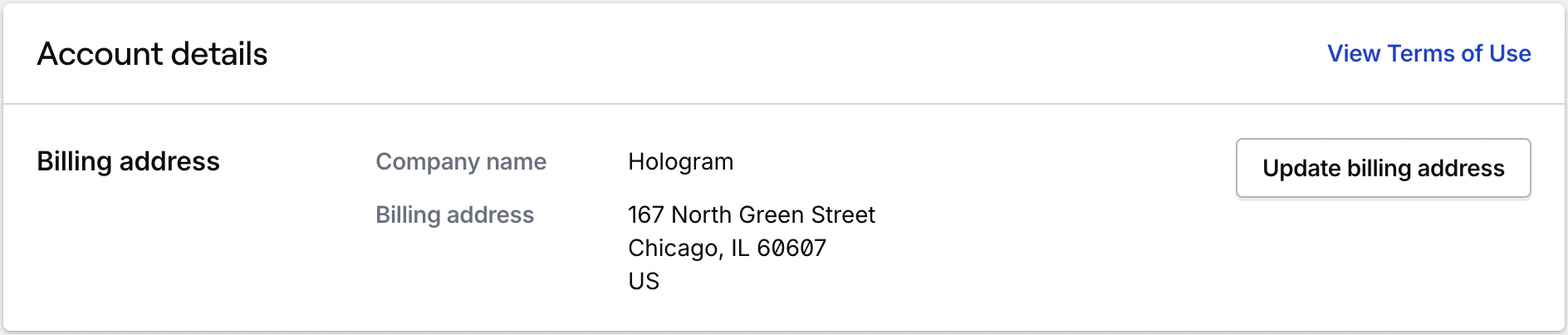 Learn how to add or change a billing address for your organization.
## Add or change a payment method
All organizations must have a credit card on file in order to activate SIMs, make purchases, and refill account balances.
Learn how to add or change a billing address for your organization.
## Add or change a payment method
All organizations must have a credit card on file in order to activate SIMs, make purchases, and refill account balances.
 Accounts with monthly invoicing and postpaid billing will see this card listed as **Backup payment method**.
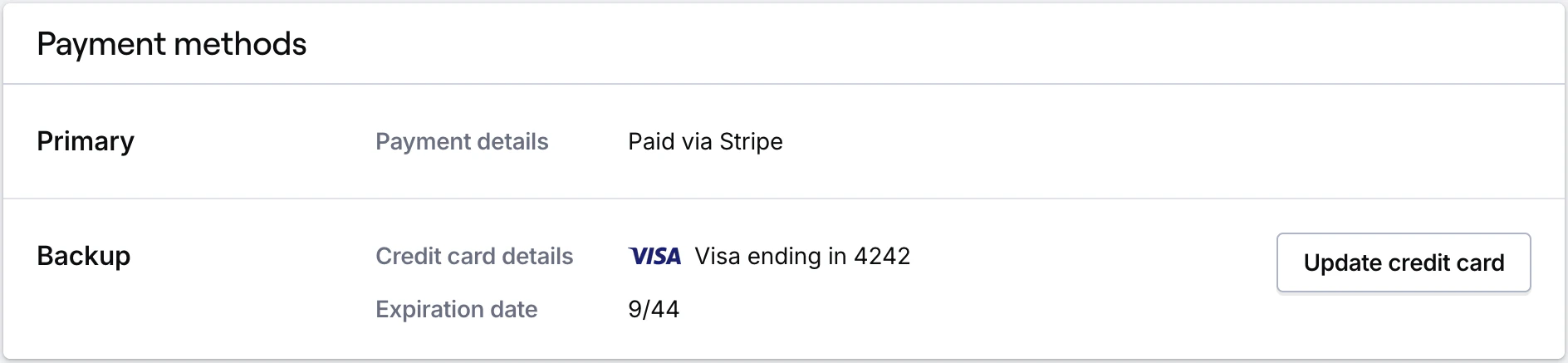 Learn how to add or change a payment method for your organization.
## Account auto-refill
If you have prepaid billing, you can enable auto-refill to automatically add funds when your balance falls below a specified threshold. **Auto-refill** section in the **Account balance** card shows the status and setting of your auto-refill selection.
Learn how to add or change a payment method for your organization.
## Account auto-refill
If you have prepaid billing, you can enable auto-refill to automatically add funds when your balance falls below a specified threshold. **Auto-refill** section in the **Account balance** card shows the status and setting of your auto-refill selection.
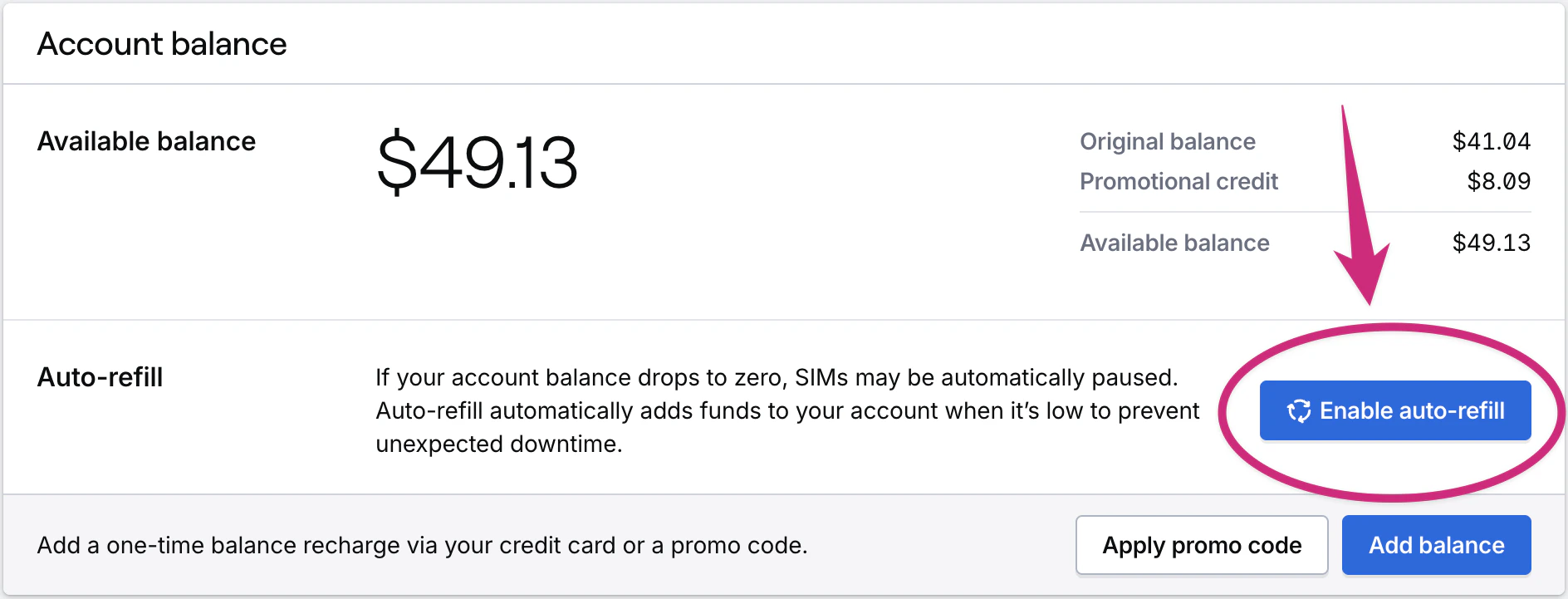 Learn how to set up account auto-refill for your organization.
## Credit card email recipients
Credit card receipts will be sent to all Admins in your organization as well as any additional email addresses you specify here.
Learn how to set up account auto-refill for your organization.
## Credit card email recipients
Credit card receipts will be sent to all Admins in your organization as well as any additional email addresses you specify here.
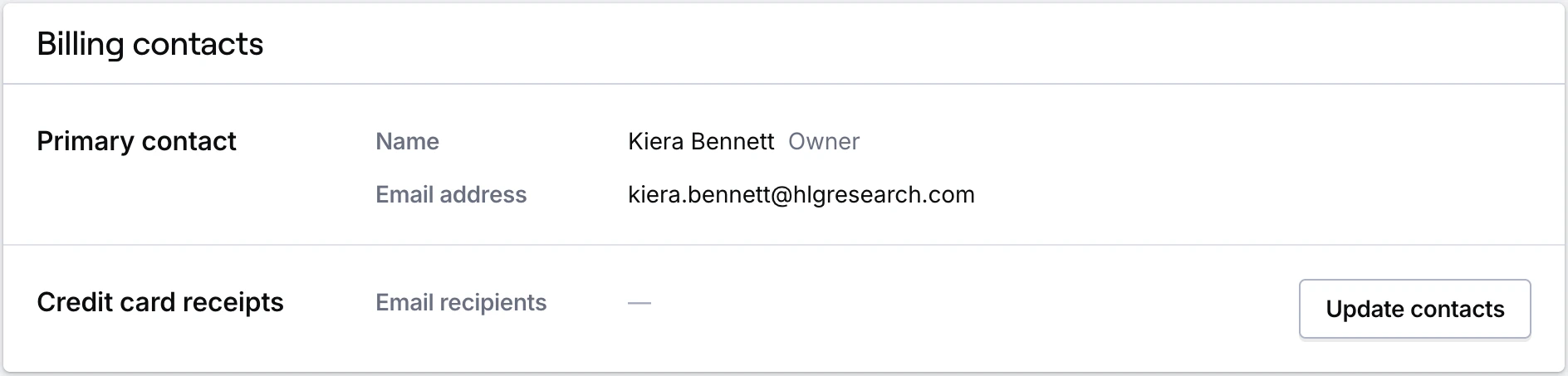 **Important:** If your organization has monthly invoicing, this field *only* applies to charges made with a credit card. To change who receives invoices, update recipients in your Stripe account. See Stripe's guide: `https://support.stripe.com/questions/change-the-email-address-where-stripe-emails-are-sent`.