> ## Documentation Index
> Fetch the complete documentation index at: https://docs.hologram.io/llms.txt
> Use this file to discover all available pages before exploring further.
# Receipts page
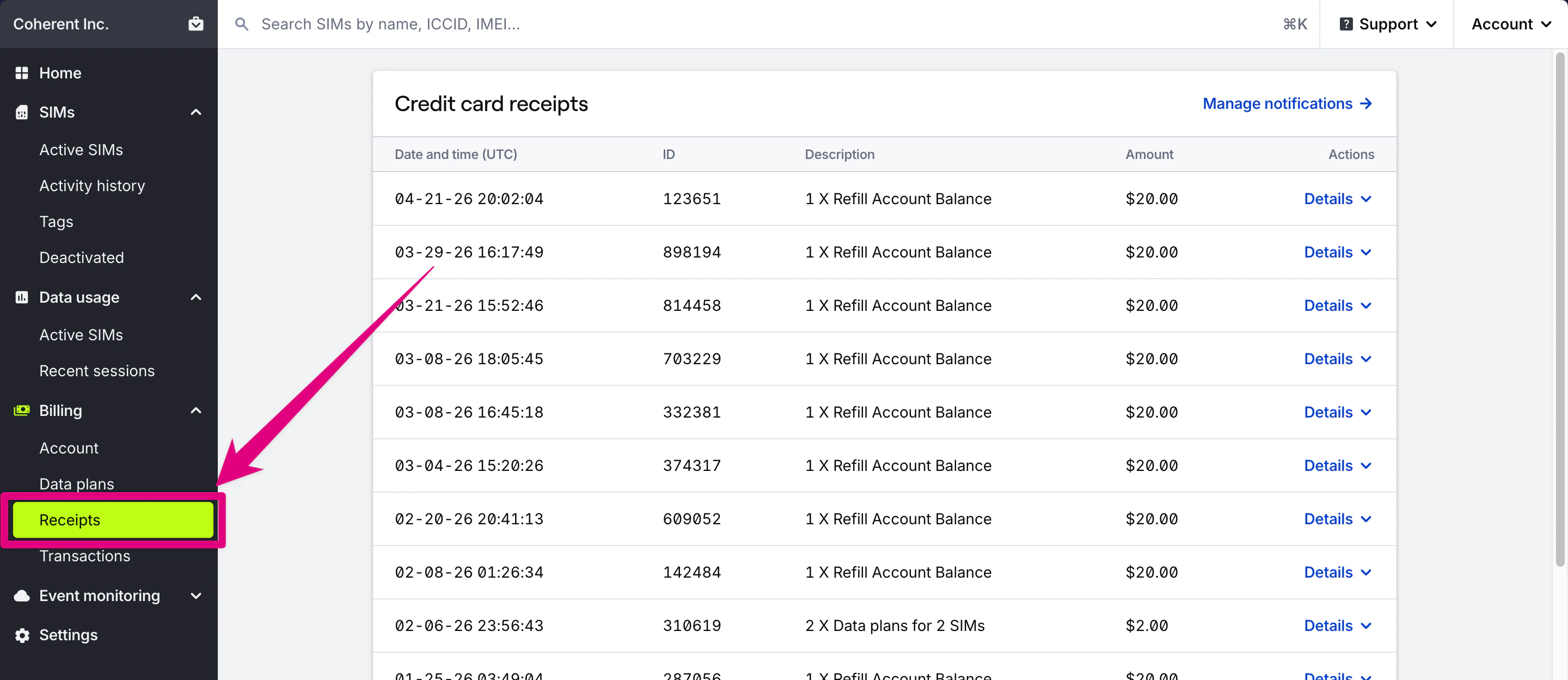
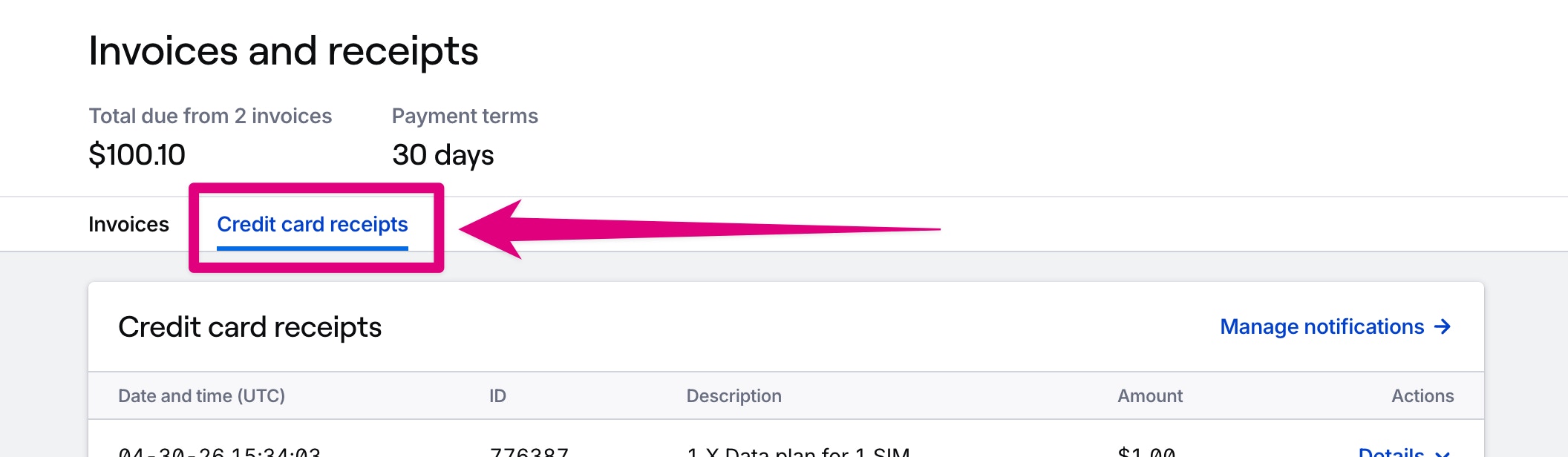
> All charges made with a credit card are recorded in the **Receipts** page. Most organizations can find credit card receipts within the Receipts page in the main menu. Organizations with monthly invoicing can find receipts in the [Invoices](/dashboard/billing/invoices) page.
Credit card receipts are generated for all charges made with a credit card that are not charged against your account balance. Credit card charges are most often used for account refills and auto-refill, but can also appear for SIM activations or data plan changes.
 ## Who receives credit card receipt emails?
Credit card receipts are sent to the owner of your organization and any additional email addresses you specify in the **Billing notifications** card on the Billing → [Account page](/dashboard/billing/billing-account-overview#credit-card-email-recipients).
## Where can I find hardware purchases?
Hardware purchases like SIM orders are only sent via email today. Please contact [support](/guides/get-started/contact-support) to request a copy of a receipt for your hardware purchases.
## Where can I find credit card receipts if I have monthly invoicing?
Organizations with monthly invoicing can find credit card receipts in the [Invoices](/dashboard/billing/invoices) page.
## Who receives credit card receipt emails?
Credit card receipts are sent to the owner of your organization and any additional email addresses you specify in the **Billing notifications** card on the Billing → [Account page](/dashboard/billing/billing-account-overview#credit-card-email-recipients).
## Where can I find hardware purchases?
Hardware purchases like SIM orders are only sent via email today. Please contact [support](/guides/get-started/contact-support) to request a copy of a receipt for your hardware purchases.
## Where can I find credit card receipts if I have monthly invoicing?
Organizations with monthly invoicing can find credit card receipts in the [Invoices](/dashboard/billing/invoices) page.
 ## Related guides
Where to manage billing, payment methods, and history
Review transactions and monthly statements
Add or change your organization's billing address
## Related guides
Where to manage billing, payment methods, and history
Review transactions and monthly statements
Add or change your organization's billing address