> ## Documentation Index
> Fetch the complete documentation index at: https://docs.hologram.io/llms.txt
> Use this file to discover all available pages before exploring further.
# Log in to your account
> This guide will walk you through how to log in to your dashboard, create an account, or reset your password. The first step will be looking for the **Log in** button on the upper right hand corner of our [website](https://www.hologram.io/).
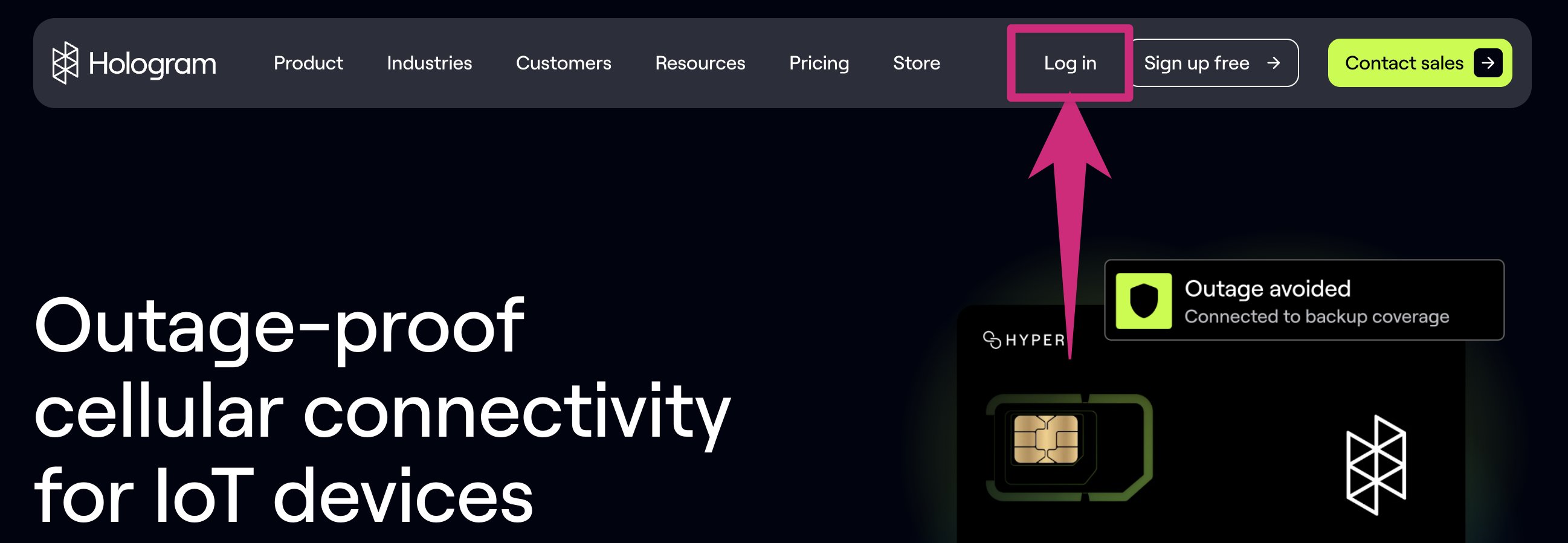 If you are new to Hologram, welcome! We are glad to have you here in the Hologram family. If you are an existing customer, welcome back!
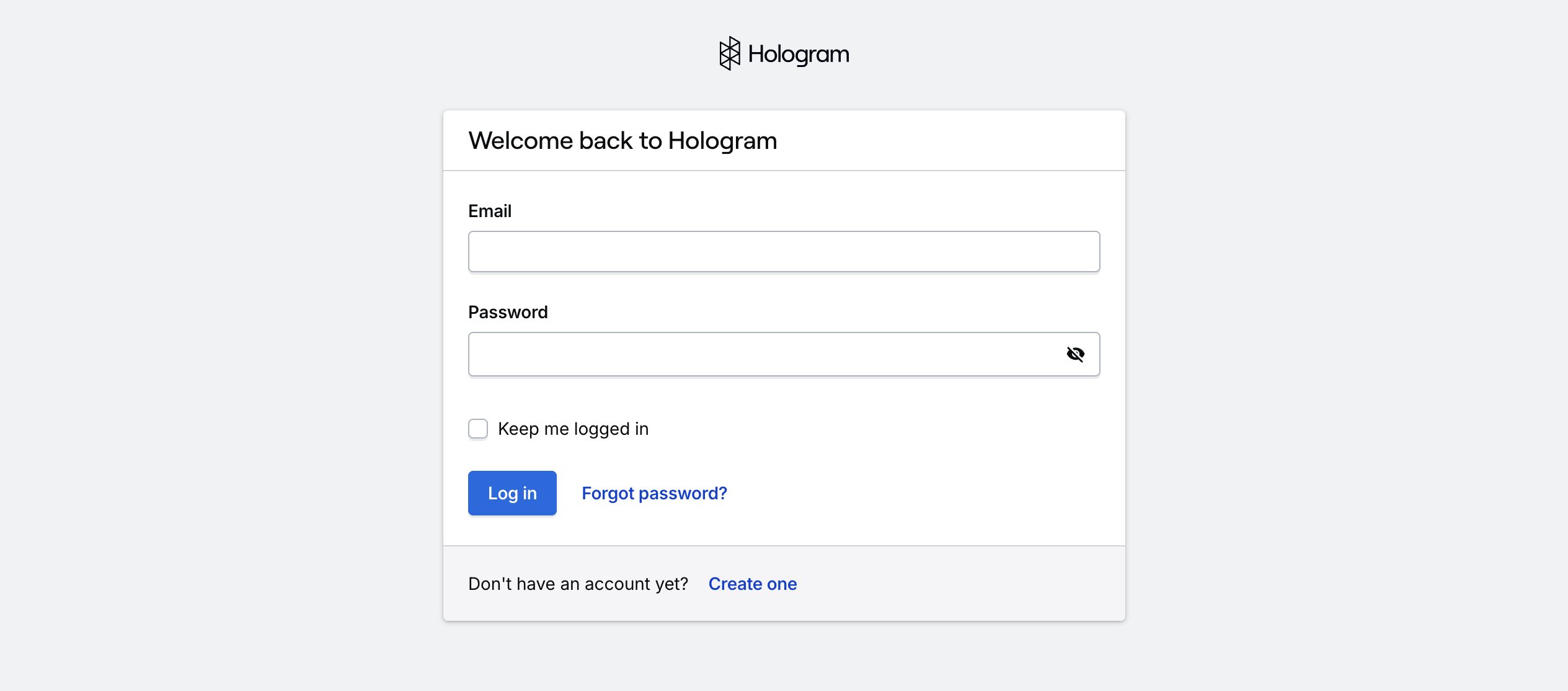 This will launch you into a login screen. If you are an existing Hologram customer, go ahead and log in!
If you are new to Hologram you can create an account by clicking the **Create one** button at the bottom of the card.
You will then be prompted to create a **free Hologram account**.
Create a new Hologram account using your work email address
If you're having problems logging in, you may need to [reset your password](/guides/troubleshooting/how-do-i-reset-my-password).
This will launch you into a login screen. If you are an existing Hologram customer, go ahead and log in!
If you are new to Hologram you can create an account by clicking the **Create one** button at the bottom of the card.
You will then be prompted to create a **free Hologram account**.
Create a new Hologram account using your work email address
If you're having problems logging in, you may need to [reset your password](/guides/troubleshooting/how-do-i-reset-my-password).