> ## Documentation Index
> Fetch the complete documentation index at: https://docs.hologram.io/llms.txt
> Use this file to discover all available pages before exploring further.
# SIM Alerts tab
> Use the Alerts tab to create and manage alerts for Hologram Cloud events tracked for a SIM. Events that trigger alerts display on the Events tab, and include SIM messaging, IMEI changes, data limits reached, and more.
Here you can find a list of alerts configured for this SIM. Each alert shows the event type, the devices or tags it is configured to trigger for, and the notification method.
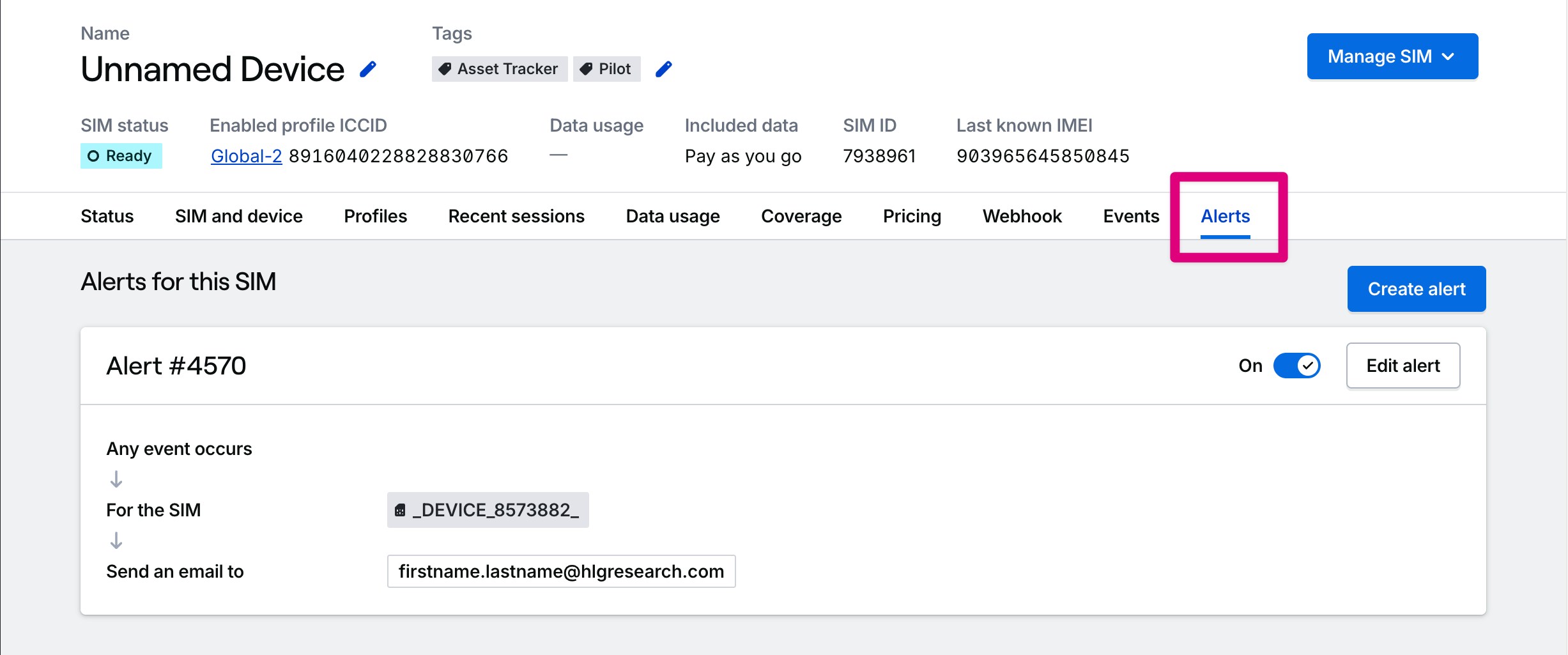 Create a new alert by clicking the **Create alert** button. You'll be presented with a list of event types available to subscribe to. Then, you can configure the alert to send notifications via email or webhooks.