> ## Documentation Index
> Fetch the complete documentation index at: https://docs.hologram.io/llms.txt
> Use this file to discover all available pages before exploring further.
# Device tunneling for beginners
> Create an inbound Spacebridge tunnel to a device using a Hologram SIM.
This guide shows how to create an inbound Spacebridge tunnel to a device (e.g., Raspberry Pi) connected with a Hologram SIM. We will be using a Raspberry Pi in this example, but you can securely tunnel into any device that gives you port level access.
## Create a secure device tunnel
First, make sure your end device has an open data session. Using a Raspberry Pi, you have a variety of choices on how to do that, for example ModemManager + NetworkManager, ChatScript, or the tool of your preference.
Follow the SSH tunneling instructions to establish the tunnel. If you've already uploaded your keys (required once), then only you will only need to create the tunnel.
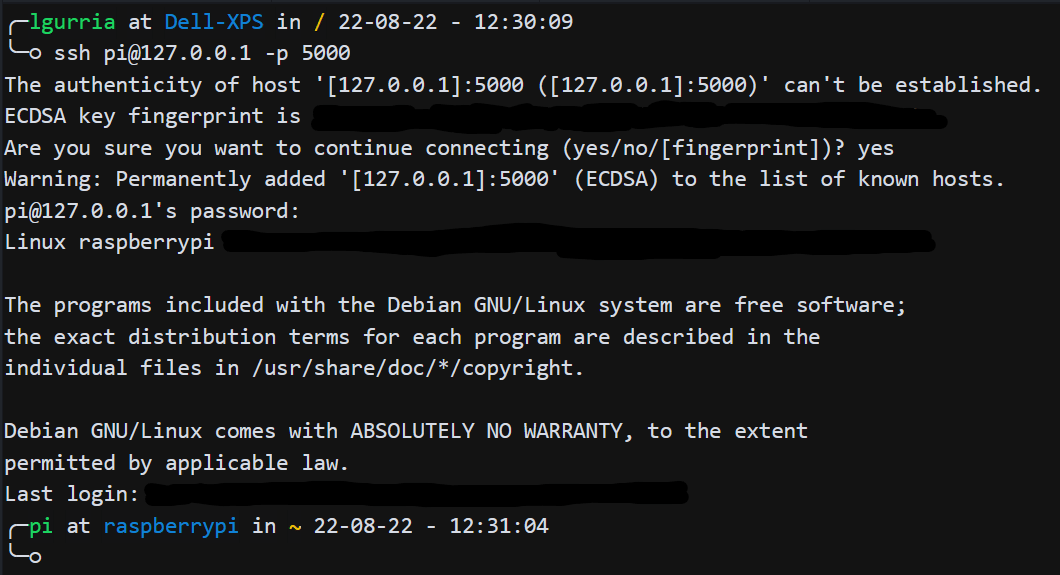
Once your tunnel is set up you can SSH into the device. In this case, it is a Raspberry Pi.
```bash theme={null}
ssh pi@127.0.0.1 -p 5000
```
 ## Related actions