

Documentation Index
Fetch the complete documentation index at: https://docs.hologram.io/llms.txt
Use this file to discover all available pages before exploring further.
What is a SIM webhook?
You can use webhooks to send TCP/UDP messages to a SIM from external services using the Embedded API.How do I create a SIM webhook?
Open the Webhooks tab
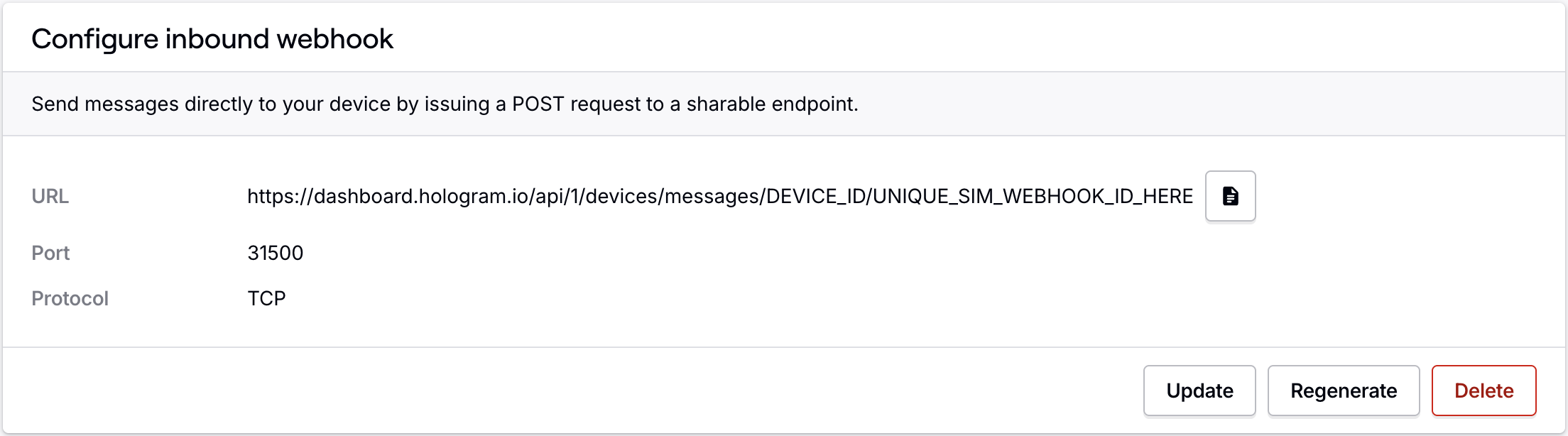
Open the Webhooks tab for the SIM, and in the Configure inbound webhook card, click the Generate webhook button.

Where do I find the SIM’s webhook key?
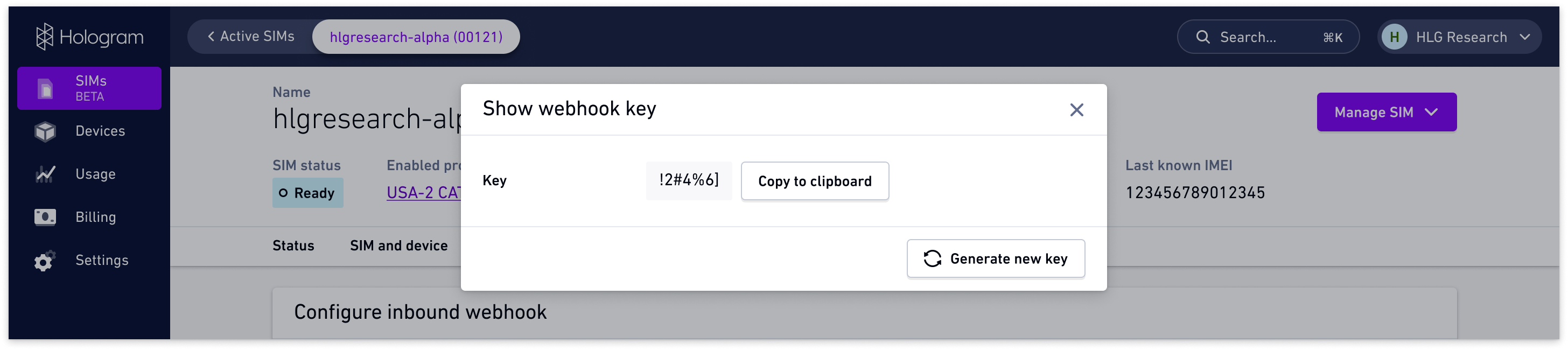
Your Hologram webhook key is a device-specific identifier used to authenticate your SIM when using the Hologram embedded API. This key is included in the JSON message body when sending messages to the webhook.Open the Webhooks tab
From the SIM’s details page, open the Webhooks tab and click the Show key button in the Webhook key card.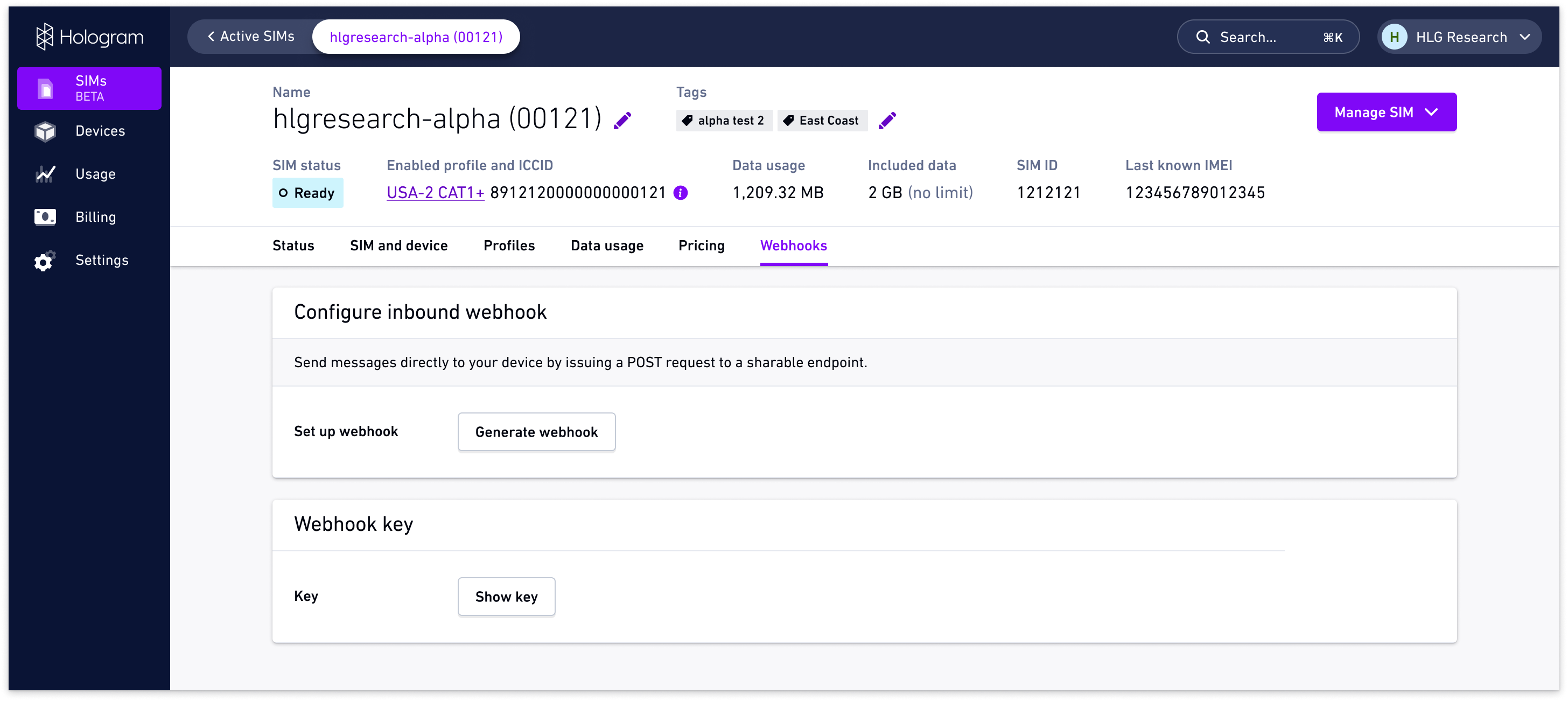
How do I send a message to a SIM’s webhook?
After generating a webhook and getting your device’s webhook key, use the following HTTP request to send a message to your SIM. The body is a JSON object with the following fields:kordevicekey– The device’s webhook keydordata– The message datatortags– The custom tag name
HTTP Request
Request Body
How to configure webhooks using the REST API
REST API endpoints
Configure device webhooks
GET/POST/PUT/DELETE /devices//webhookRelated actions
Send messages to SIMs
Send TCP, UDP, or SMS messages to your devices
Troubleshooting webhooks
Fix common webhook configuration issues