

Create a secure device tunnel
1
Ensure the device is online
First, make sure your end device has an open data session. Using a Raspberry Pi, you have a variety of choices on how to do that, for example ModemManager + NetworkManager, ChatScript, or the tool of your preference.
2
Establish the tunnel
Follow the SSH tunneling instructions to establish the tunnel. If you’ve already uploaded your keys (required once), then only you will only need to create the tunnel.
Establish a secure Spacebridge tunnel
3
Connect over SSH and close the tunnel
Once your tunnel is set up you can SSH into the device. In this case, it is a Raspberry Pi.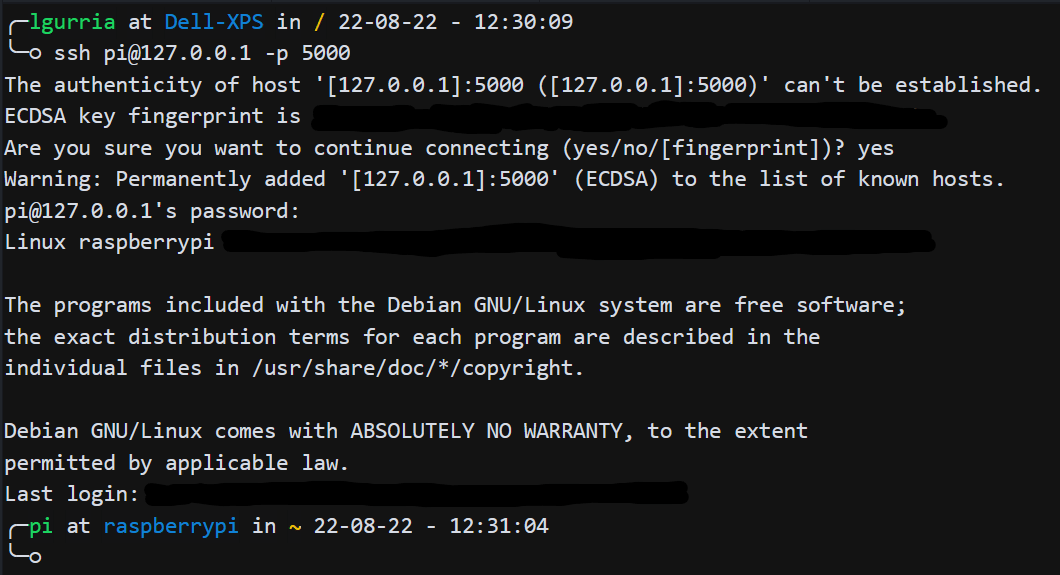
4
Close the tunnel using `Ctrl+C`