

Accept an emailed invitation
1
Open the invitation email
Click Accept Invite (or Create Account if you don’t have an account yet) and follow the prompts.
2
Sign in or create an account
If you already have a Hologram account, sign in to join. If not, create your account, then you’ll be taken into the invited organization.
Accept when logged in to an organization
1
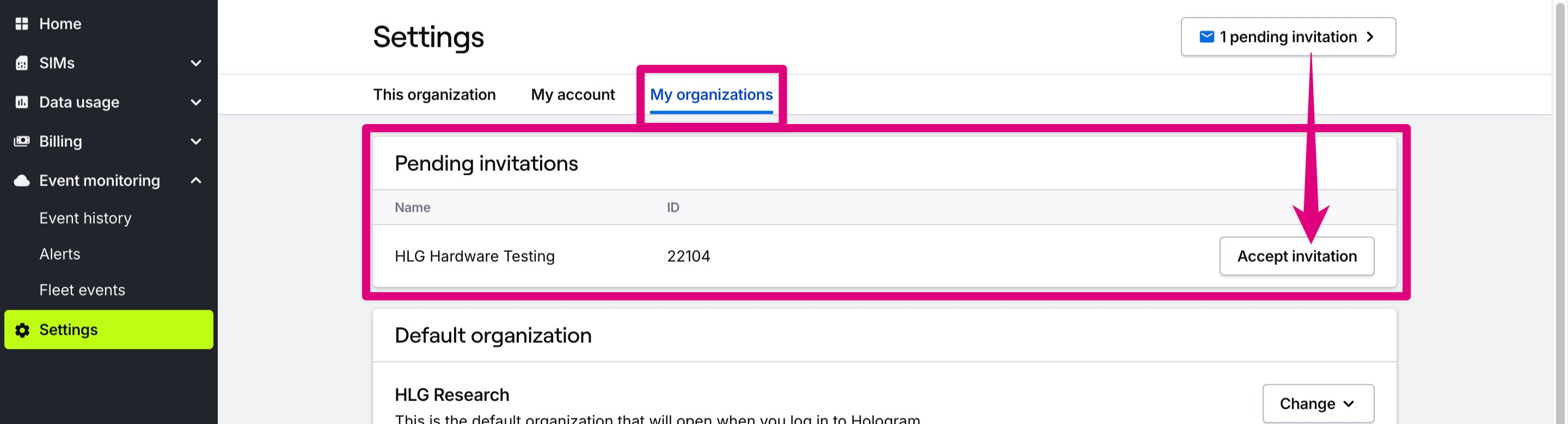
Open Settings → My account
Open the Settings section in the main menu, then open the My account page.
2
Accept invitation
Scroll to the Organizations card, find the organization you were invited to, and click Accept invitation.
Related guides
Manage organizations and users
Learn how to invite collaborators and manage access levels