

How to switch organizations
Switch organizations by clicking the dropdown menu in the top left corner of your dashboard that shows the name of the current organization.1
Open the organization picker
Click your current organization name in the top left corner of the main menu.
2
Choose another organization
If you’re a member of multiple organizations, select the one you want to switch into.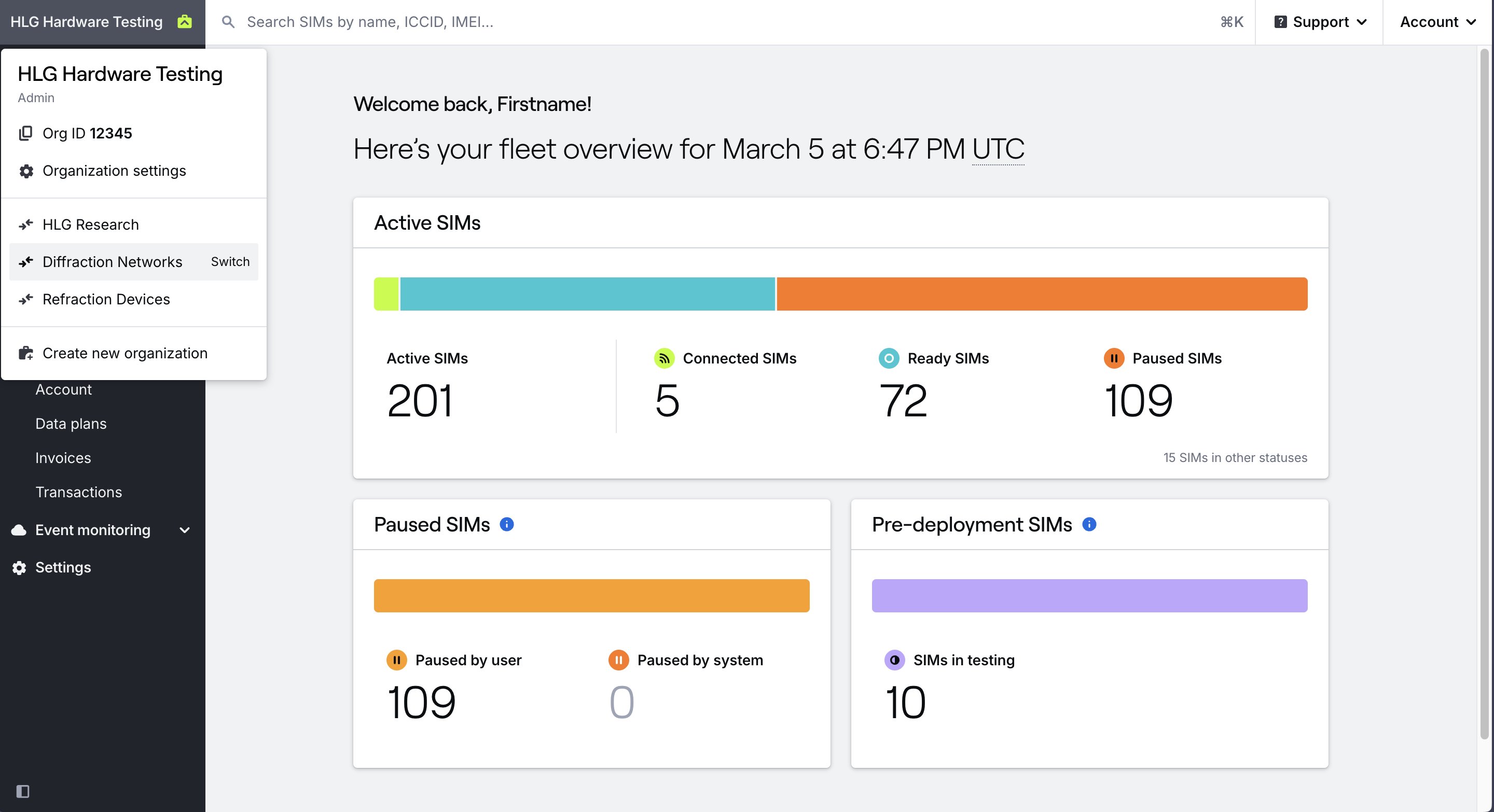
How to set your default organization
If your dashboard continues to open your personal organization by default, you change your default organization.Related guides
Create an organization
Create a new organization
Set a default organization
Choose which organization opens by default
Delete an organization
Learn about how to delete an organization