

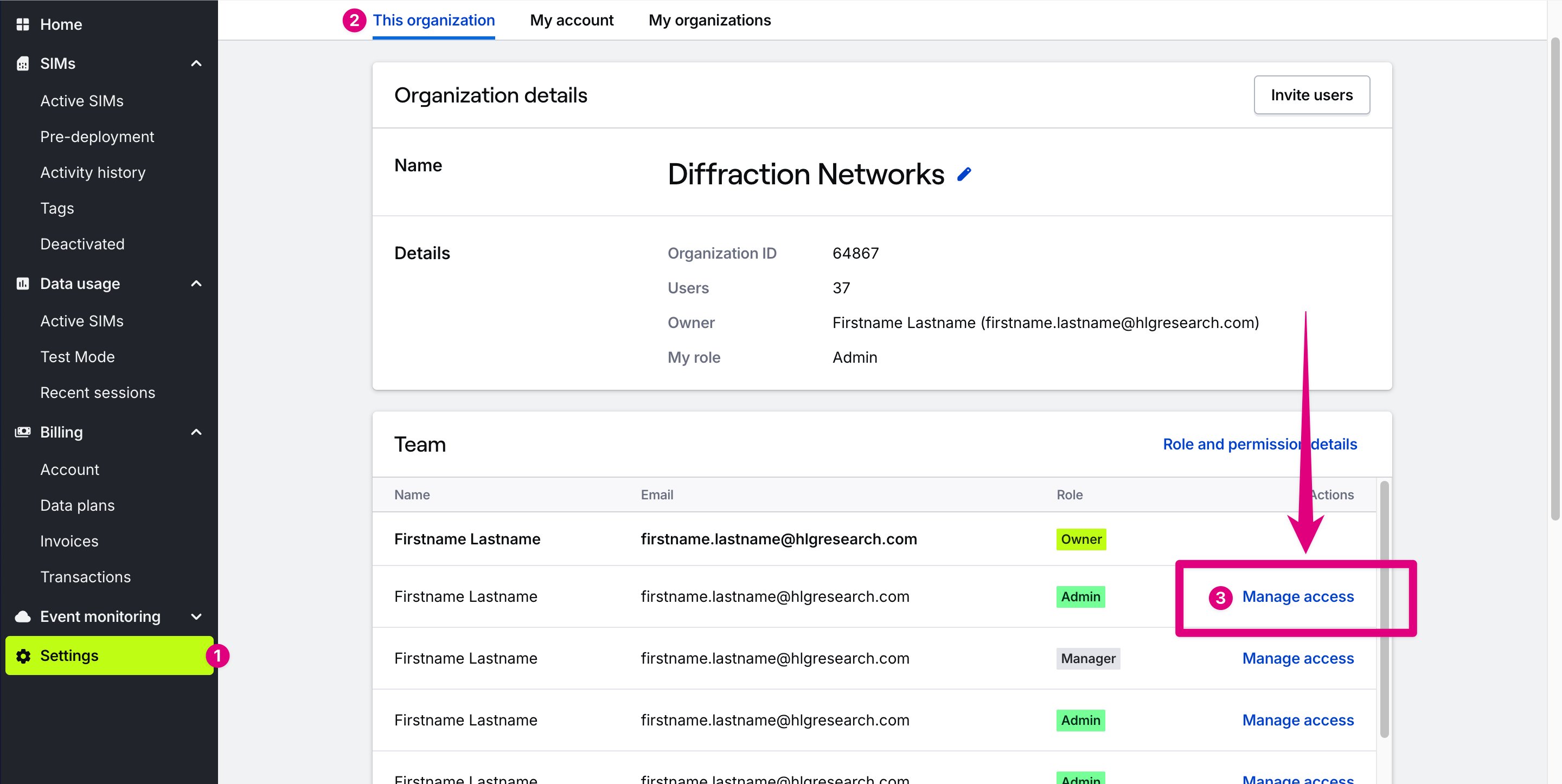
No permissions to perform operation error it means that your access level on the organization’s collaborator settings is not high enough to complete said action. To fix this you need to contact the organization Owner or an Admin and ask them to upgrade your collaborator access.
Collaborator access levels
Collaborators may be granted one of three access levels in an organization:- Admin: Full access. Same permissions as Manager, plus the ability to change billing settings
- Manager: Same as Editor, plus managing device settings that could affect costs (e.g. changing data plans).
- Editor: View devices and cloud messages, manage device settings that don’t affect costs, manage app integrations.
Related guides
Invite collaborators
Add teammates to your organization
Change user roles
Manage team members with access to collaborate in an organization