

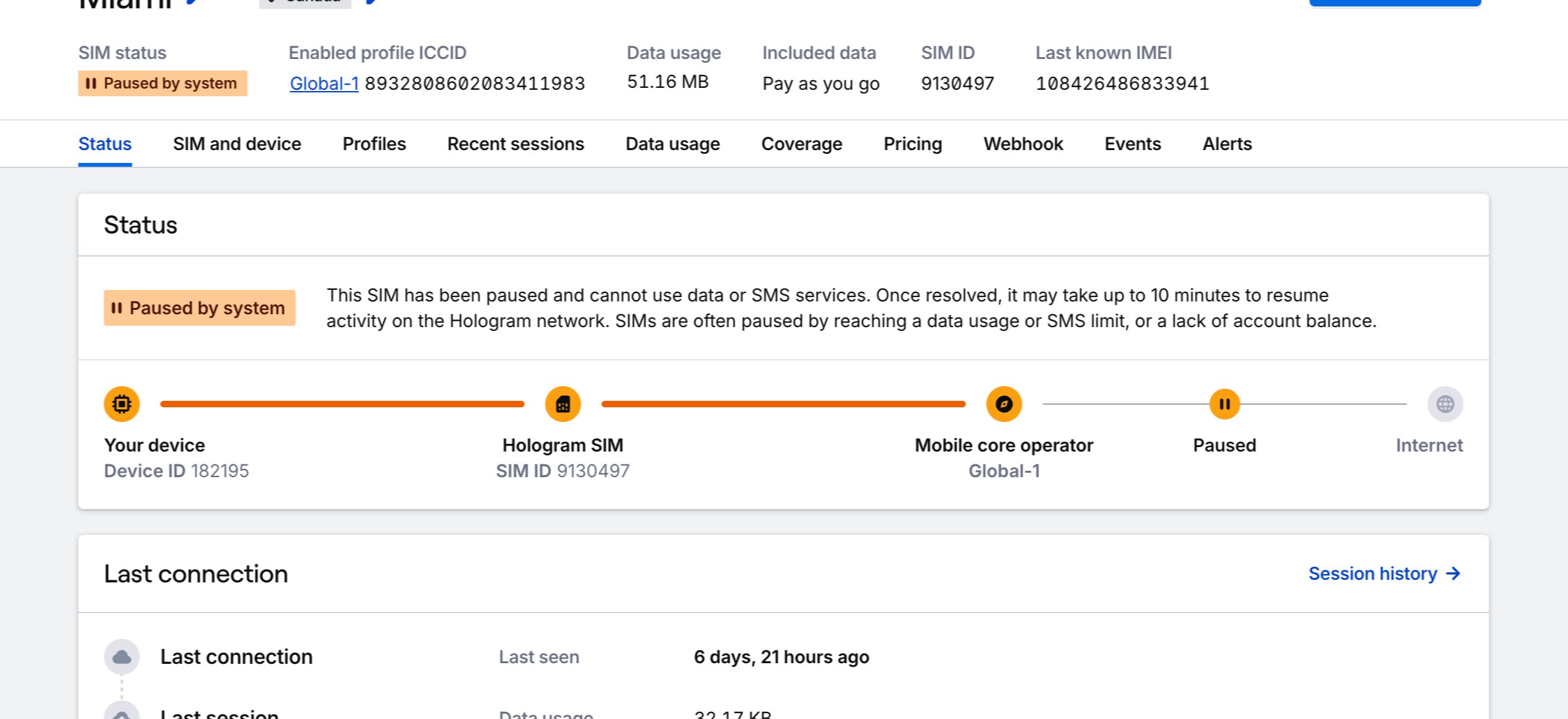
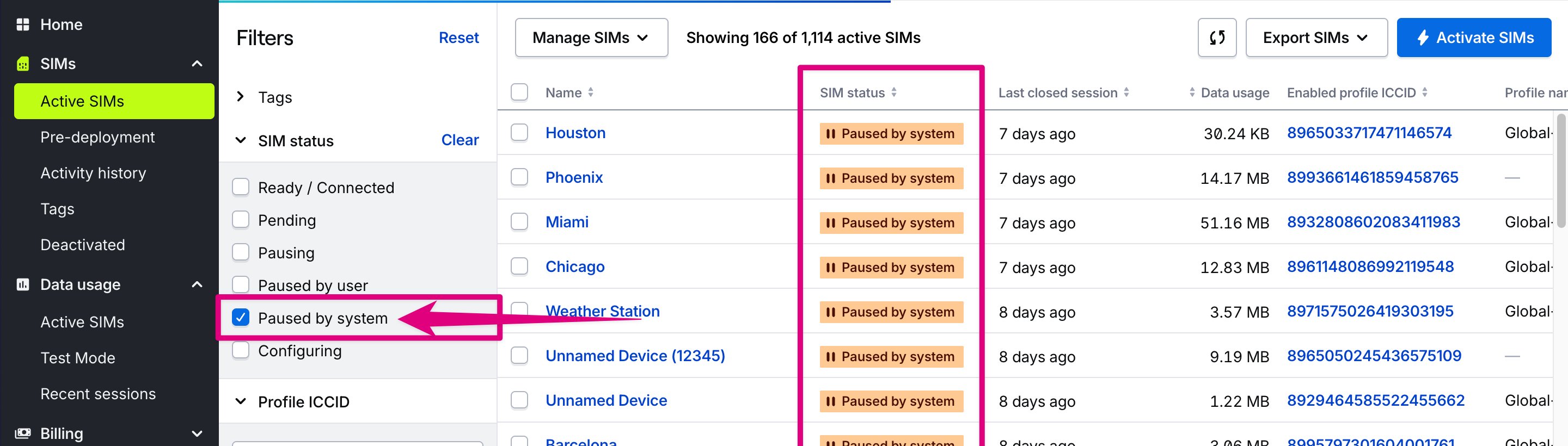
Note: Unpausing data usage for a SIM is automatic once the underlying cause has been addressed, but requires changes to propagate across our entire network before you see your device show up with a Ready status (
LIVE network state). You should see your device go from Paused to Ready within a few minutes.How are SIMs “paused by system?”
The system will pause your device into the Paused by system status (PAUSED-BY-SYS state) for one of three reasons.
1
You ran out of funds in your account balance
- Add balance by navigating to the Account page under the Billing section.
- Click the Add balance button and enter the desired dollar amount you wish to add.
- Finally, click Add balance.
2
The SIM reached a data usage limit
To fix this, set a larger data usage limit on the SIM. After setting a higher data usage limit or removing the limit, your SIM’s data usage will resume automatically.- Open the SIM details page by pressing the SIM’s name in the SIMs pages, or by using search.
- The SIM’s current data usage, included data, and data limit will display in the page header.
- Open the Manage SIM menu and select the Set data usage limit action to set a data limit on your SIM.
3
The SIM reached an outbound SMS limit
SIMs by default can send 100 outbound SMS messages per billing period. Any SIM that reached an SMS limit cannot be unpaused until the SIM’s next billing period. If you have lowered SMS limits below your organization’s default limit (generally 100), you can increase the limit to resume SMS usage.Note: If you need help troubleshooting outbound SMS limits for a device, please reach out to our Support team.