

How to change your default organization
1
Open Settings → My account
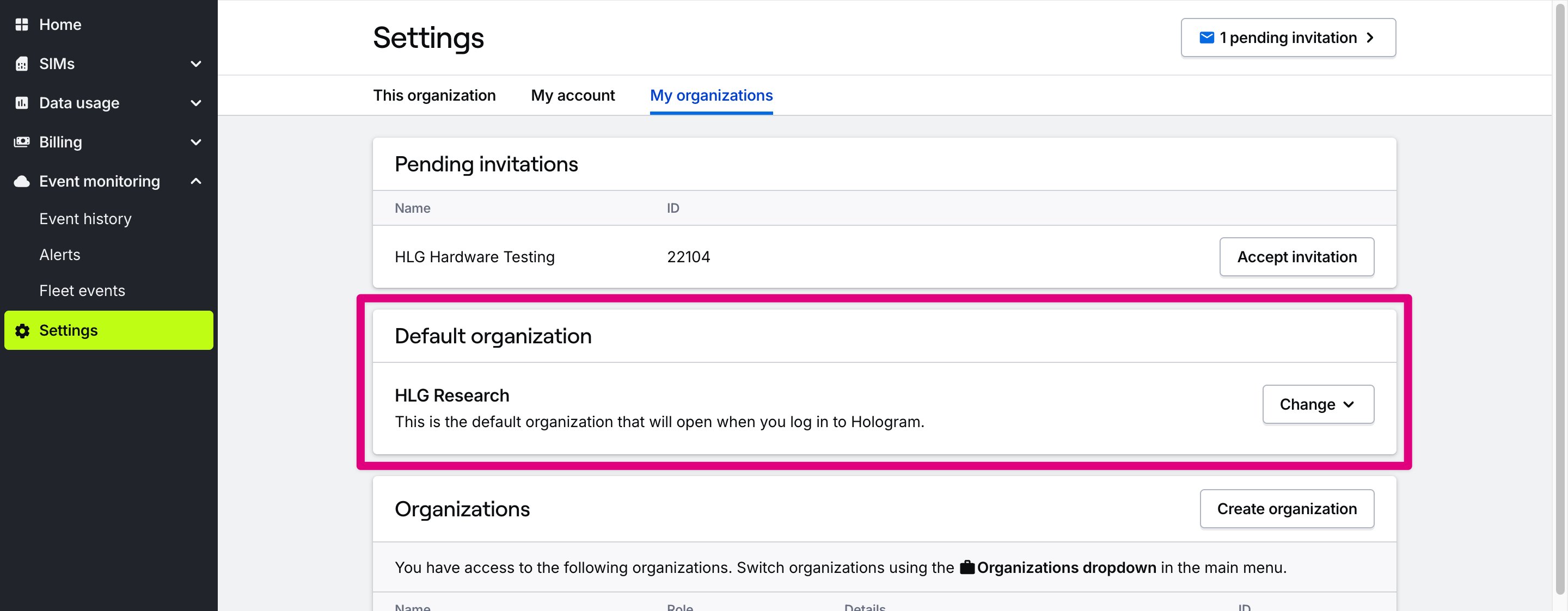
Open the Settings section in the main menu, then open the My organizations tab.
2
Choose Default organization
In the Default organization card, open the Change menu and select the organization you want to set as default. The next time you log in, this organization will open automatically.