

Update name or email address
1
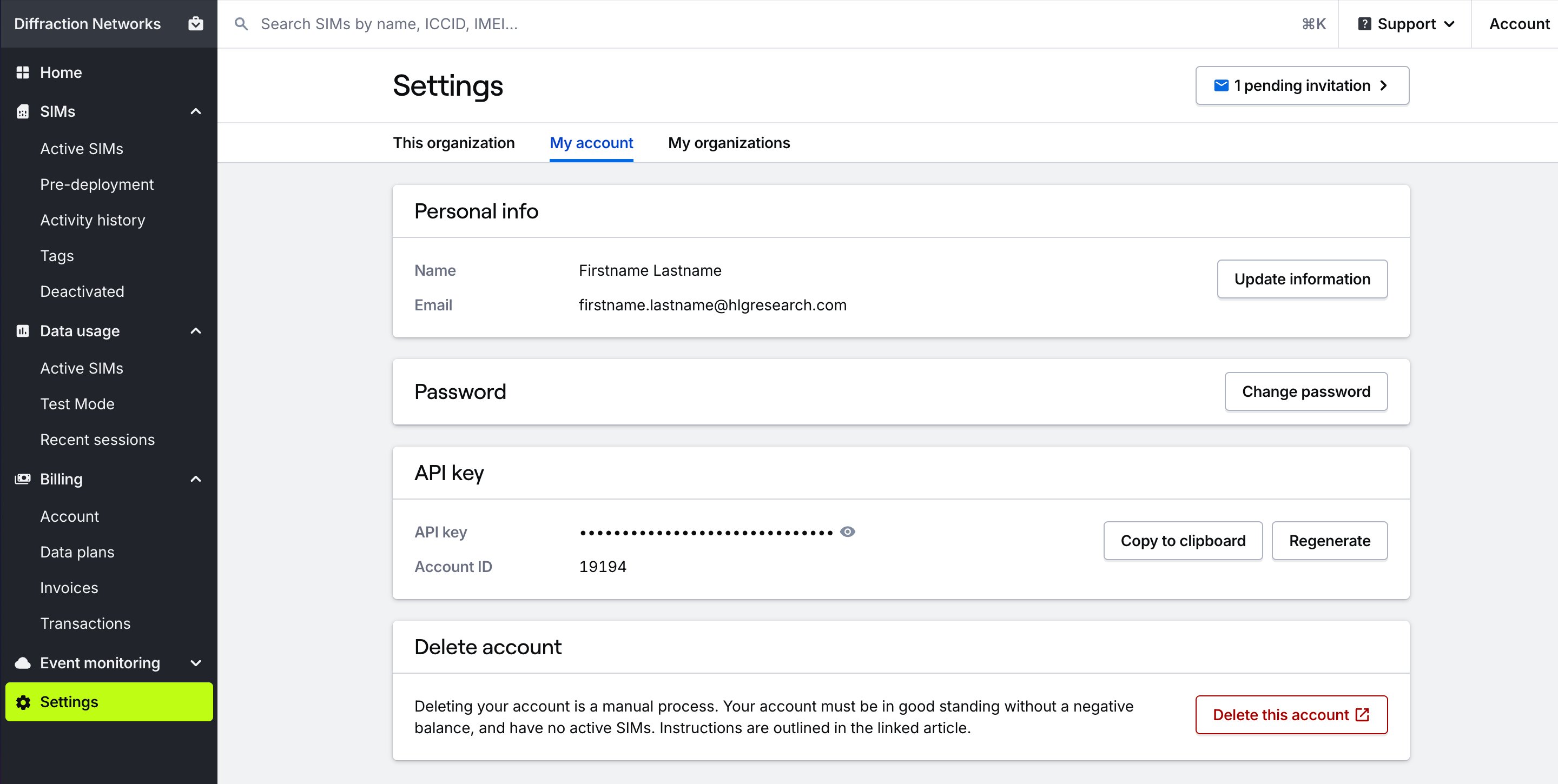
Go to Settings → My account
From the Settings section in the main menu, open the My account page.
2
Update name or email address
In the Personal info card, press the Update information button to update your name or email address.
Change password
1
Go to Settings → My account
From the Settings section in the main menu, open the My account page.
2
Change password
In the Password card, perss the Change password button to change your password. You will use your new password the next time you log in.
Change default organization
Change default organization
Choose which organization opens by default when you log in.
Switch organizations
Switch organizations
Change the active organization in your dashboard.
Accept an invite
Accept an invite
Accept an invite to collaborate in an organization.