

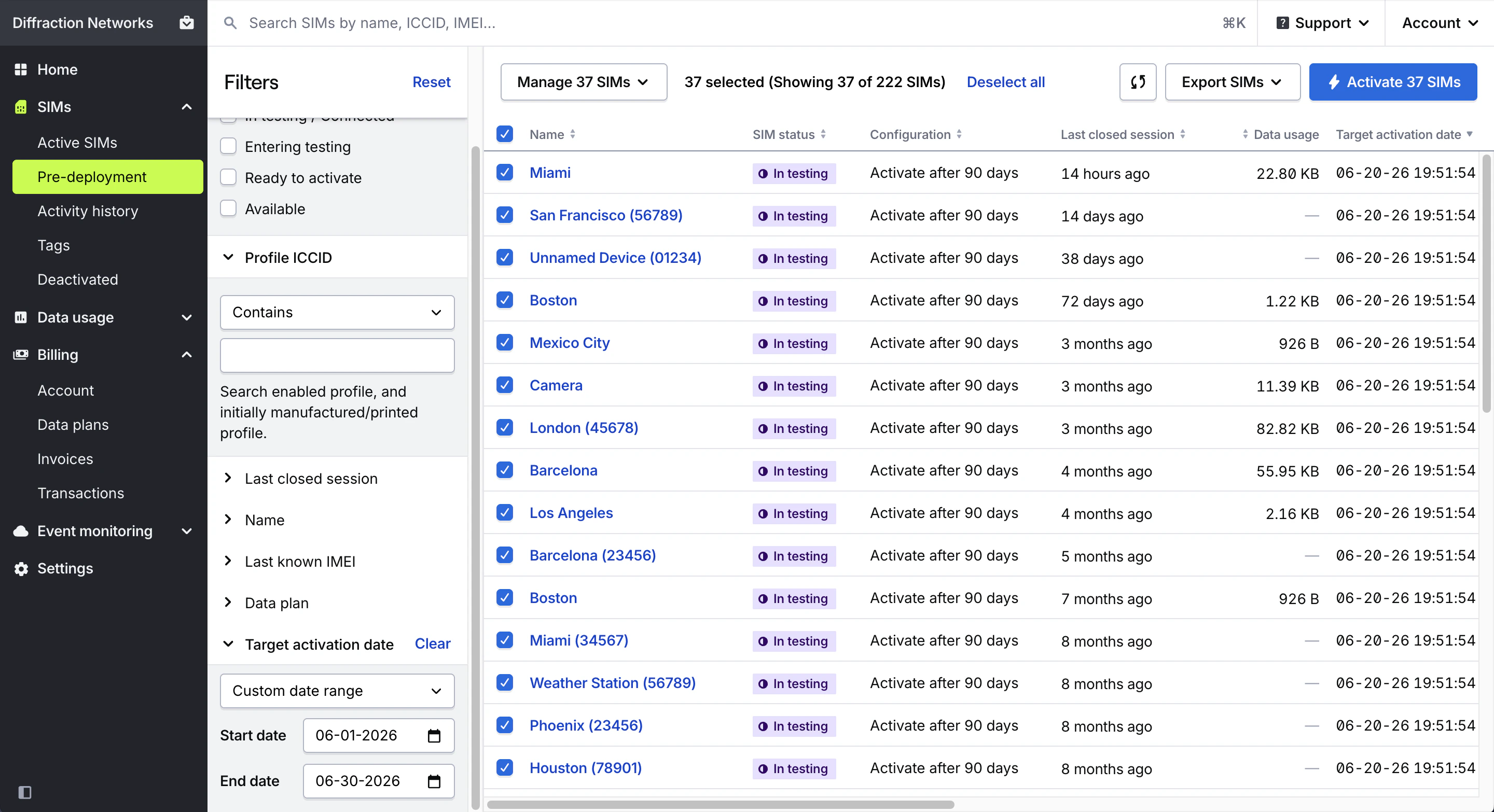
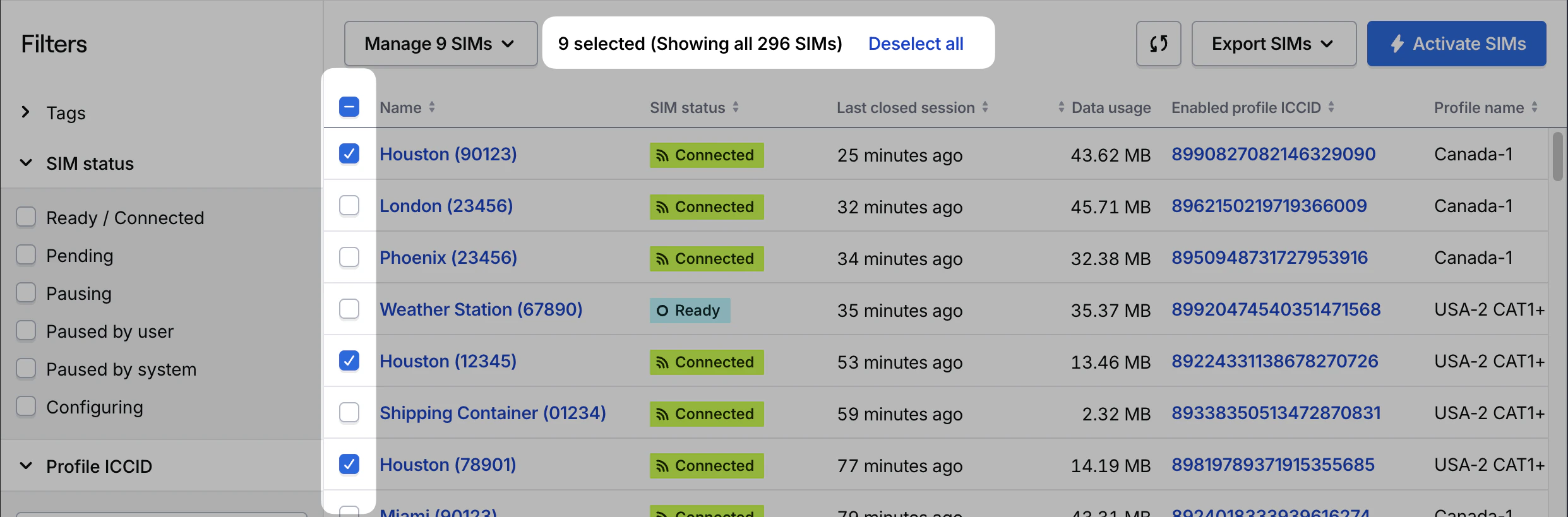
Filters you set are appended to the SIMs page URL so that you can link to and bookmark specific views of your SIMs.
Available filters
Filter by all tags created in your organization, even if no SIMs in the current view have that tag applied.Tags can be added, edited, or deleted using the Manage SIMs dropdown or by visiting the Tags page.
Filter by specific SIM IDs within the current view (e.g.
/sims/active, /sims/predeployment, /sims/deactivated).Filter by available SIM statuses for the current view, even if no SIMs currently have that status.
Filter SIMs by the end of their last closed session. Enter a custom timeframe, or select a preset range to pre-fill the filter.
- Start date selects midnight UTC for the selected date (e.g.
2024-12-01 00:00:00.000) - End date selects 1ms before midnight UTC for the selected date (e.g.
2024-12-01 23:59:59.999)
Filter SIMs by ICCID of a SIM’s currently enabled profile — the profile currently able to use data — and the initially installed manufactured profiles. The enabled manufactured profile is printed on triple cut (4FF size) and embedded (MFF2) SIM cards.The filter defaults to Contains but can be refined to: Contains, Equals, Starts with, or Ends with. “Contains” will always find full ICCIDs — there are no performance differences between the methods.
Filter by SIM name, using a “contains” search.
Filter by the last known device IMEI for a SIM, if provided by a carrier and network. The default “Contains” filter will show IMEIs that match the entered IMEI exactly and is exactly as fast as the “Is” filter.
SIMs may not have an associated IMEI if they have not been activated and connected to a network. Certain networks do not return IMEI for every session.
Filter by all data plans available to your organization. If you have a contracted account with Hologram, data plans with negotiated rates display at the top of the list.
Active and Deactivated SIMs views only.Filter SIMs by the date they were activated and were able to begin using data. Enter a custom timeframe, or select a preset range to pre-fill the filter.
- Start date selects midnight UTC for the selected date (e.g.
2024-12-01 00:00:00.000) - End date selects 1ms before midnight UTC for the selected date (e.g.
2024-12-01 23:59:59.999)
Pre-deployment SIMs view only.Filter SIMs by the date they will automatically be activated if they don’t use their test data. Enter a custom timeframe, or select a preset range to pre-fill the filter.
- Start date selects midnight UTC for the selected date (e.g.
2024-12-01 00:00:00.000) - End date selects 1ms before midnight UTC for the selected date (e.g.
2024-12-01 23:59:59.999)