

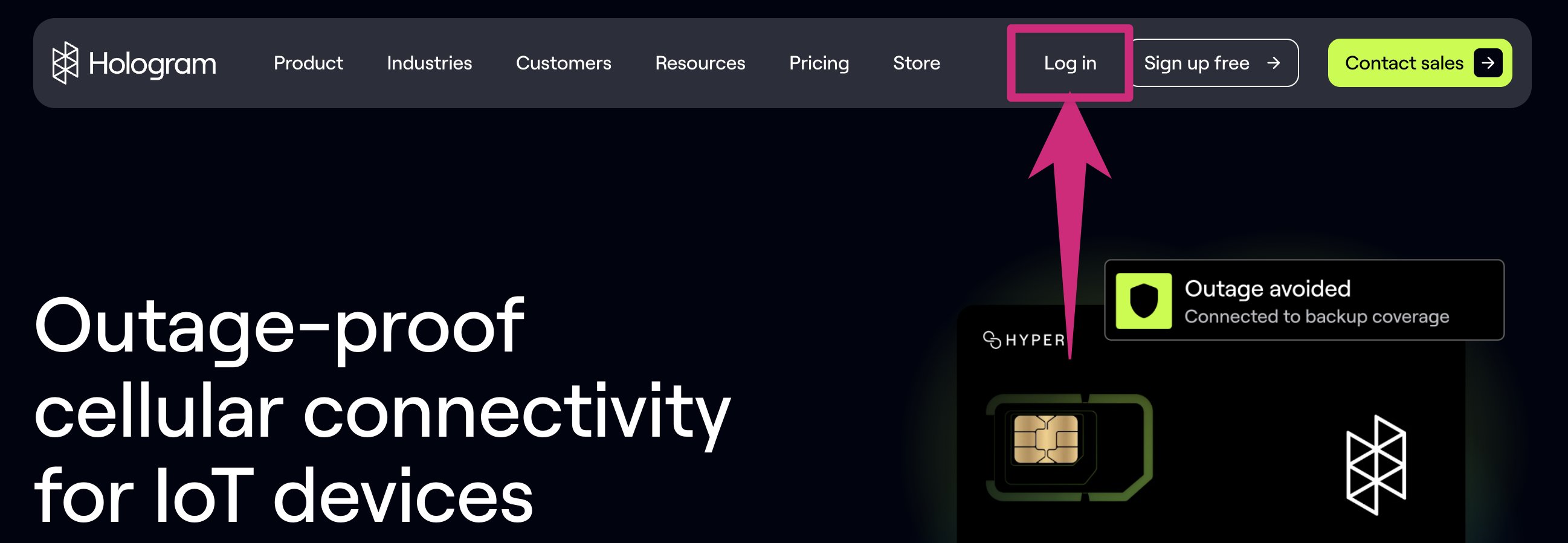
Log in to Hologram
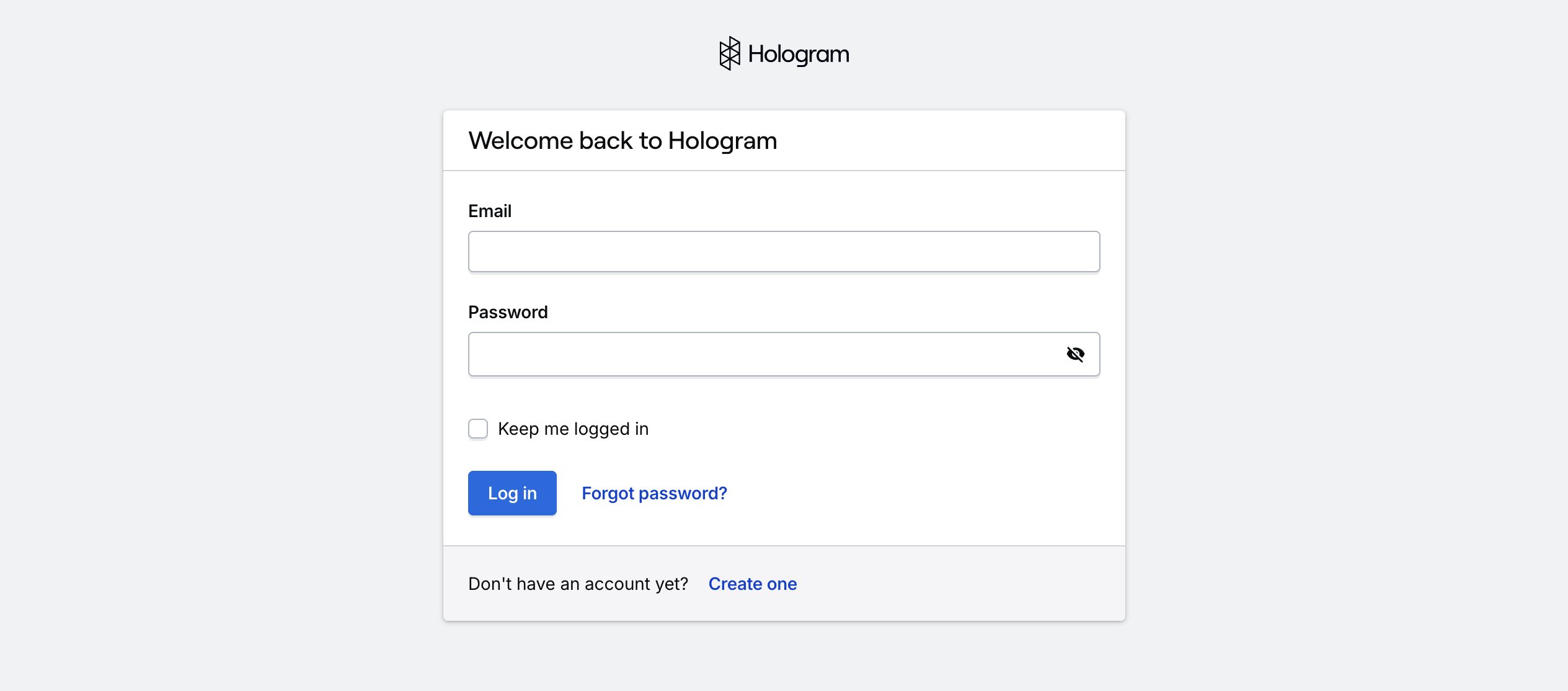
This will launch you into a login screen. If you are an existing Hologram customer, go ahead and log in!
Create a new account
If you are new to Hologram you can create an account by clicking the Create one button at the bottom of the card.You will then be prompted to create a free Hologram account.
Create an account
Create a new Hologram account using your work email address
Reset your password
If you’re having problems logging in, you may need to reset your password.