

About alerts and event monitoring
Read about how alerts work, event tags, and the types of events you can subscribe to.
How to manage alerts for a single SIM
1
Find the SIM
First find the SIM’s details page from the SIMs pages or using global search.
2
Open the Alerts tab
Open the Alerts tab for the SIM. The card will display all alerts for this SIM.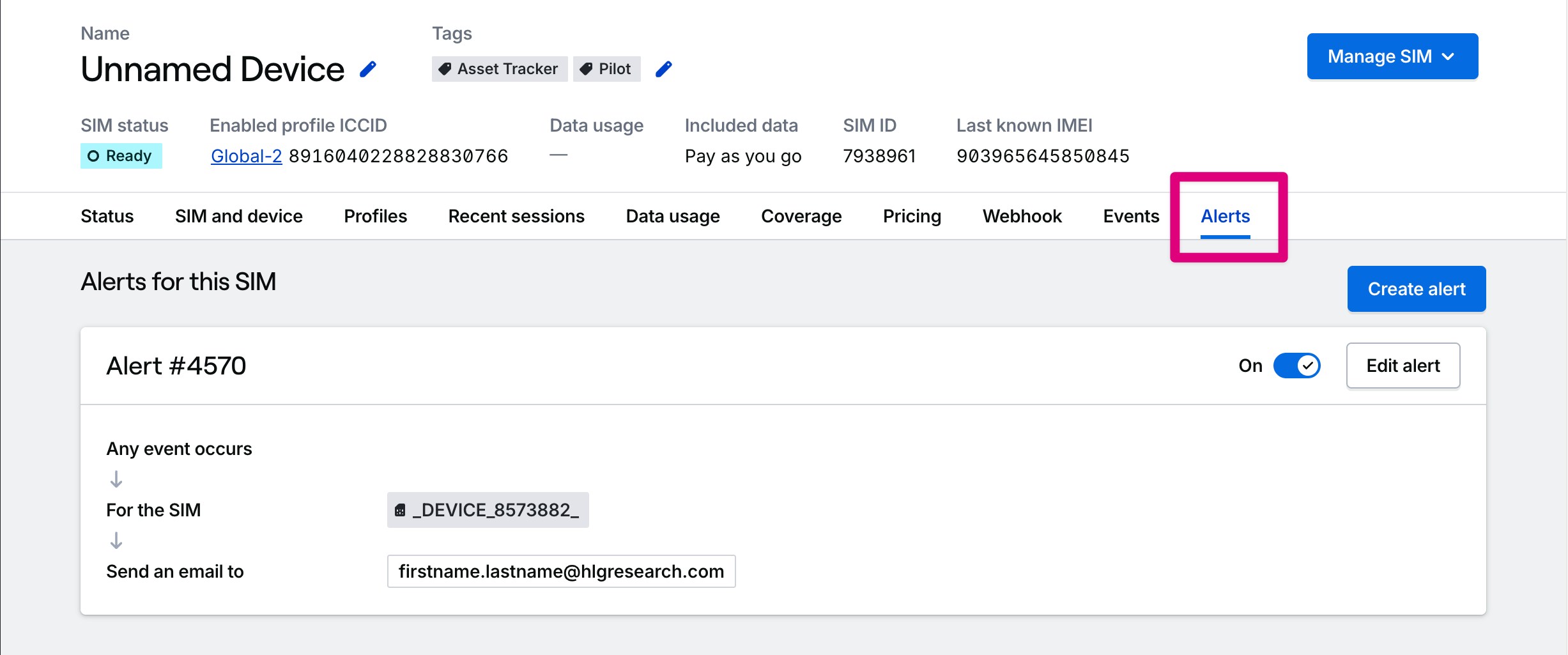
3
Create a new alert
Press the Create alert button to create a new alert for the SIM you want to monitor. You’ll be presented with a list of event types available to subscribe to. Then, you can configure the alert to send notifications via email or webhooks.
How to manage alerts for your entire fleet
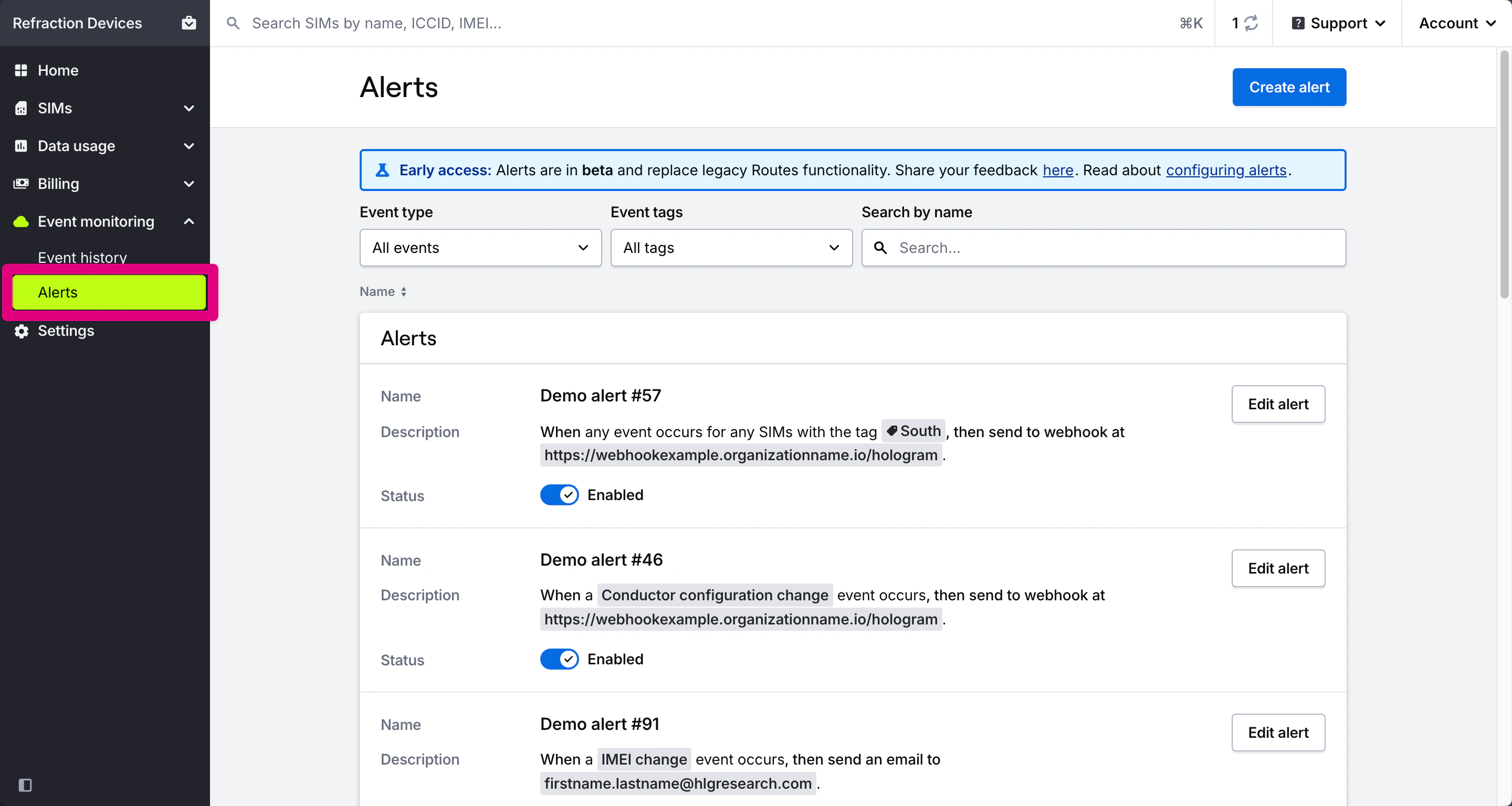
Important: Legacy alert types that are no longer supported are marked with warnings and can only be deleted in the UI. Some deprecated alert types are still functional, but will be removed in a future release.
1
Navigate to the Alerts page
Navigate to the Event monitoring section in the main menu and open the Alerts page.
2
Add, edit, or delete alerts
On the Alerts page you will find a list of all the Alerts that have been created across your organization. Here, you can add, edit, or delete alerts for your fleet.
Related actions
Send messages to SIMs
Send TCP, UDP, or SMS messages to your devices
Alerts and notifications overview
Learn how to configure and manage alerts
Troubleshooting alerts and webhooks
Fix common alert configuration issues