

Create a free Hologram account
Sign up for a free Hologram account using your work email address.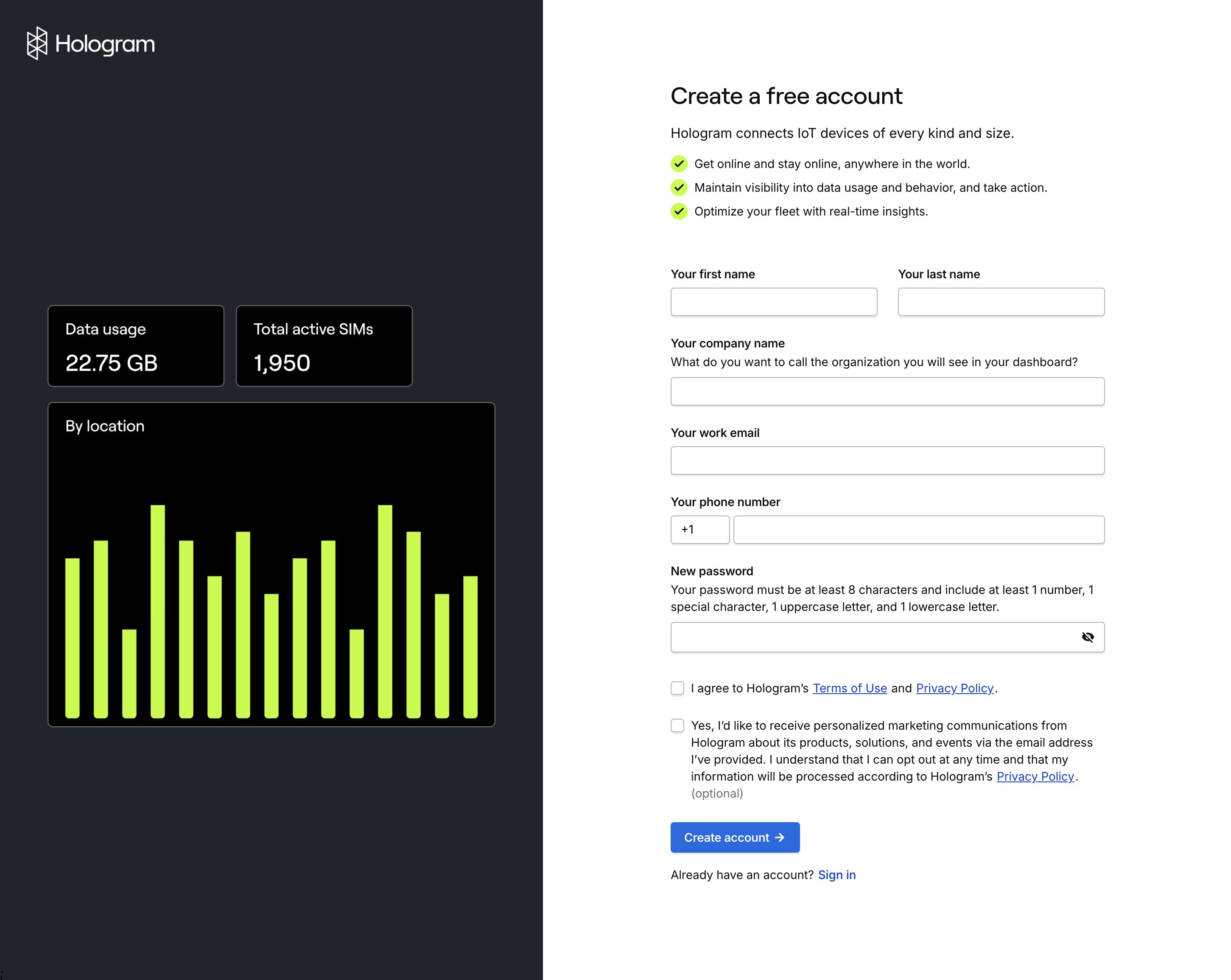
Accept an invitation to collaborate
If you have not yet created a Hologram account…
1
Create a new Hologram account
Press the Create account button in your invitation email and create a new Hologram account. This will create a new Organization within your account.
2
Change organizations
Using the Organization dropdown menu in the top left corner of your dashboard, switch to the organization you were invited to.
If you have already created a Hologram account…
In order to accept an invitation, make sure you have first verified your email address.1
Accept the emailed invitation
Press the Accept invite button in your invitation email and log in to your account. You will join the new organization and it will open automatically.
2
Accept the invitation from the Settings section
If you can’t find the email, log in to your dashboard, Navigate to the Settings section in the main menu, open the My account page, navigate to the Organizations tab, and press the Accept invitation button.
Log in to the Hologram Dashboard
If you already have a Hologram account, you can access your dashboard by logging in.1
Visit the Hologram website
Head straight to dashboard.hologram.io, or visit hologram.io and look for the Log in button in the upper right corner of the website.
2
Enter your email and password
At the login screen, enter your email and password to access your dashboard.
Forgot your password?
If you’re having problems logging in, you may need to reset your password.What’s next?
After you have created your account, you will be taken to a landing page for your organization. First, you’ll need to purchase and activate some SIMs to make use of your new dashboard.Order SIMs
Purchase SIMs from the Hologram Store.
Learn about data metering
Learn how data metering and billing periods work for your fleet.
Reach out to our sales team
Let’s talk if you plan to manage over 500 SIMs or use more than 50 MB of data per device, to see if you qualify for discounted rates and custom coverage.
Invite some collaborators
Invite some collaborators from your team.