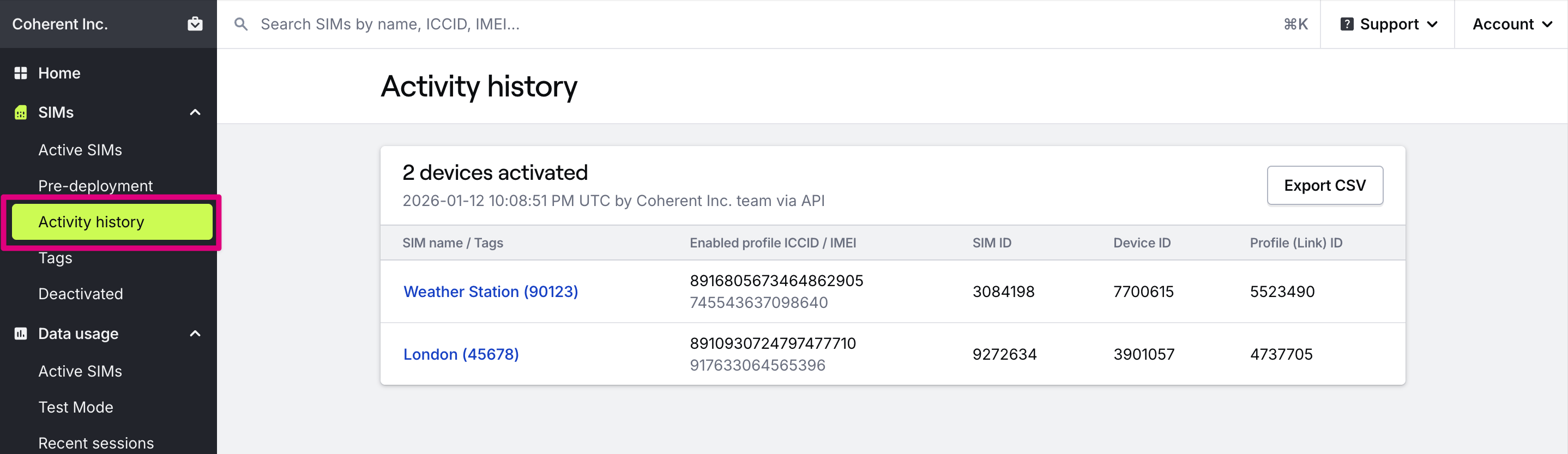
How to find activity history
Navigate to the SIMs section in the main menu and open the Activity history page. The Bulk actions card lists the date the action was completed, the type of action taken, how many SIMs were affected, and who took the action. The table is automatically sorted with the most recent activity at the top.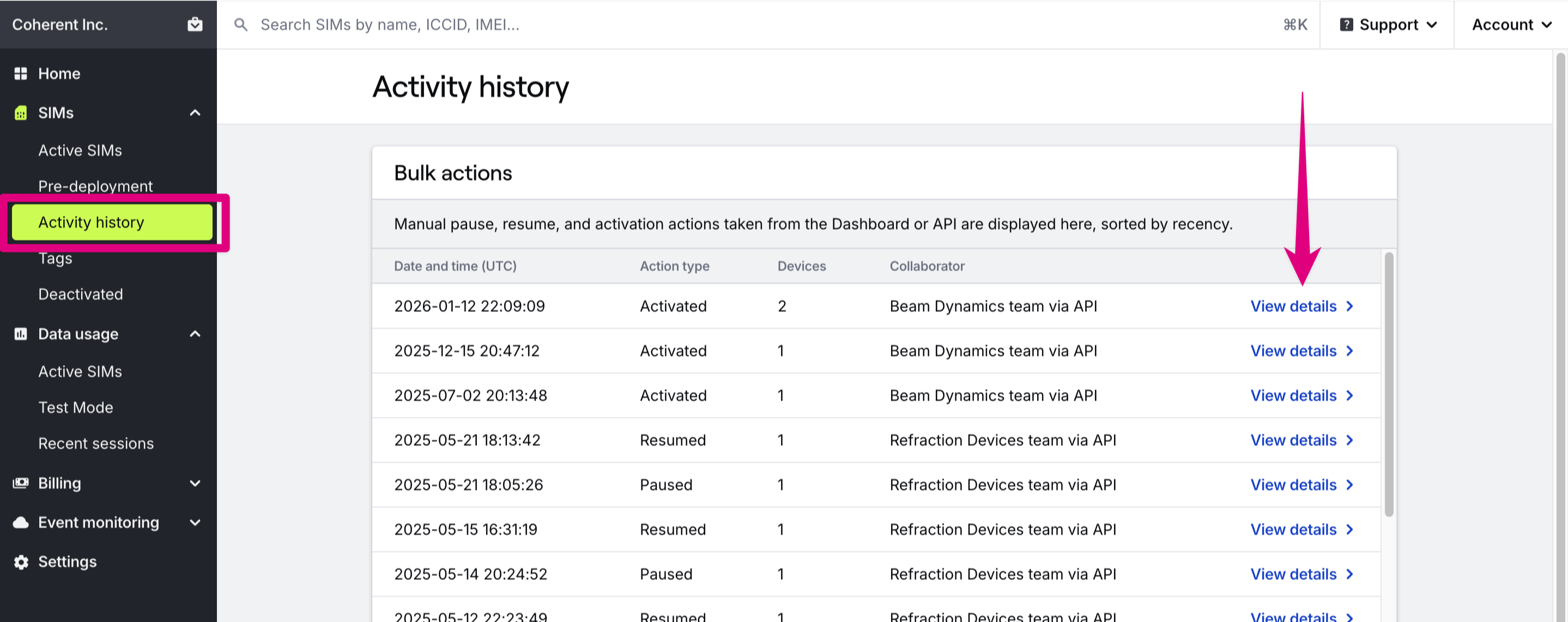
How to view activity history details
Find the row with the record you want to review and press the View details button. This will take you to details pages with more information about the action taken, the user, and the SIMs affected.