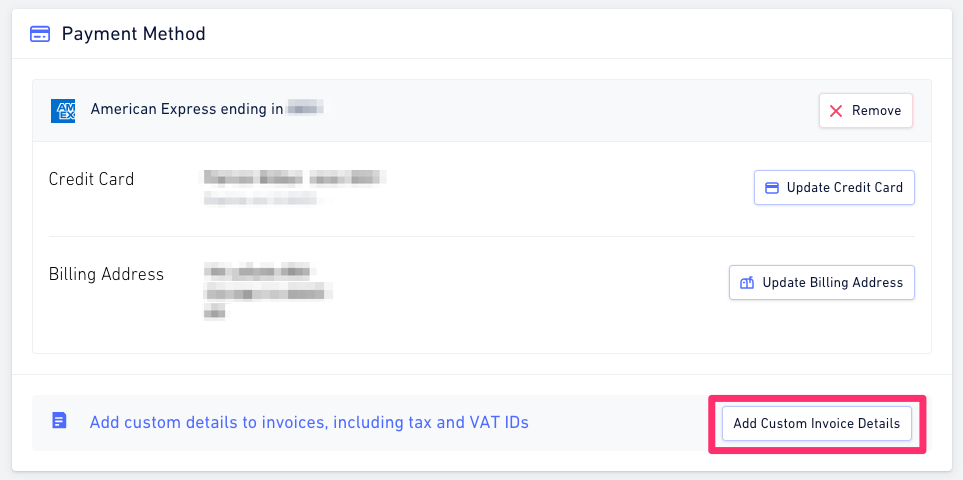
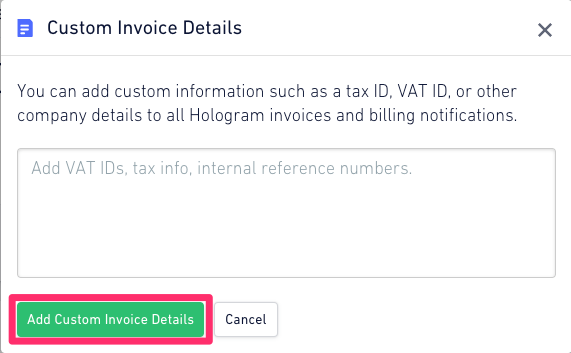
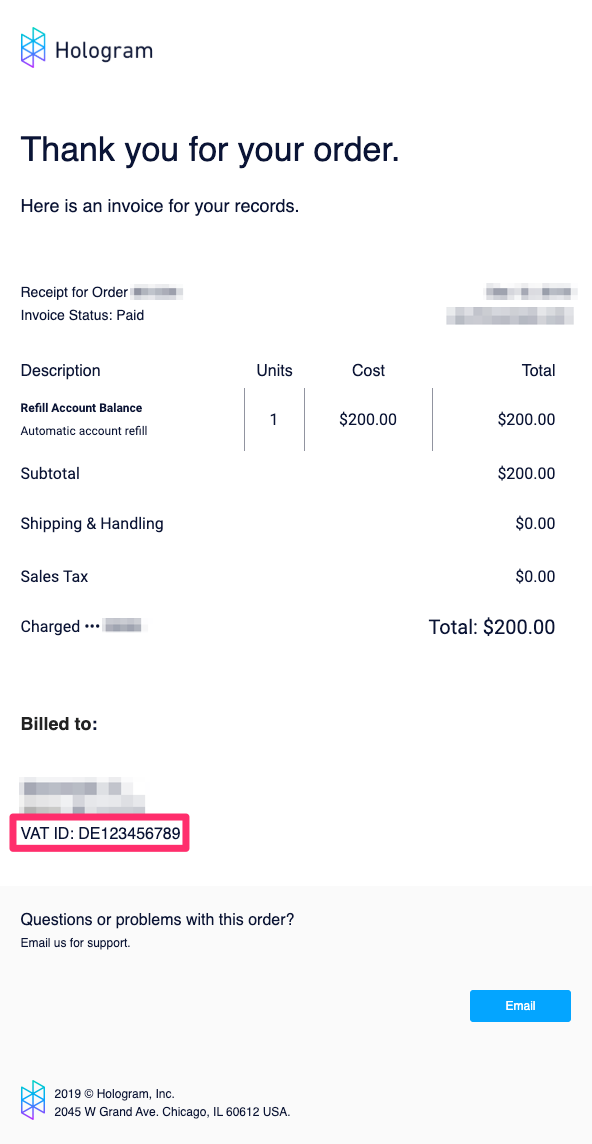
If you require your Tax ID, VAT ID, or any other additional information to be included on your emailed receipts, you can add this information on the Dashboard.Documentation Index
Fetch the complete documentation index at: https://docs.hologram.io/llms.txt
Use this file to discover all available pages before exploring further.
Note: To add Tax IDs and other custom information to an invoice you will need a billing address. You can set that in the Account page of the Billing section.
Add custom invoice details
Scroll down to the Custom invoice details card and click Add custom invoice details.