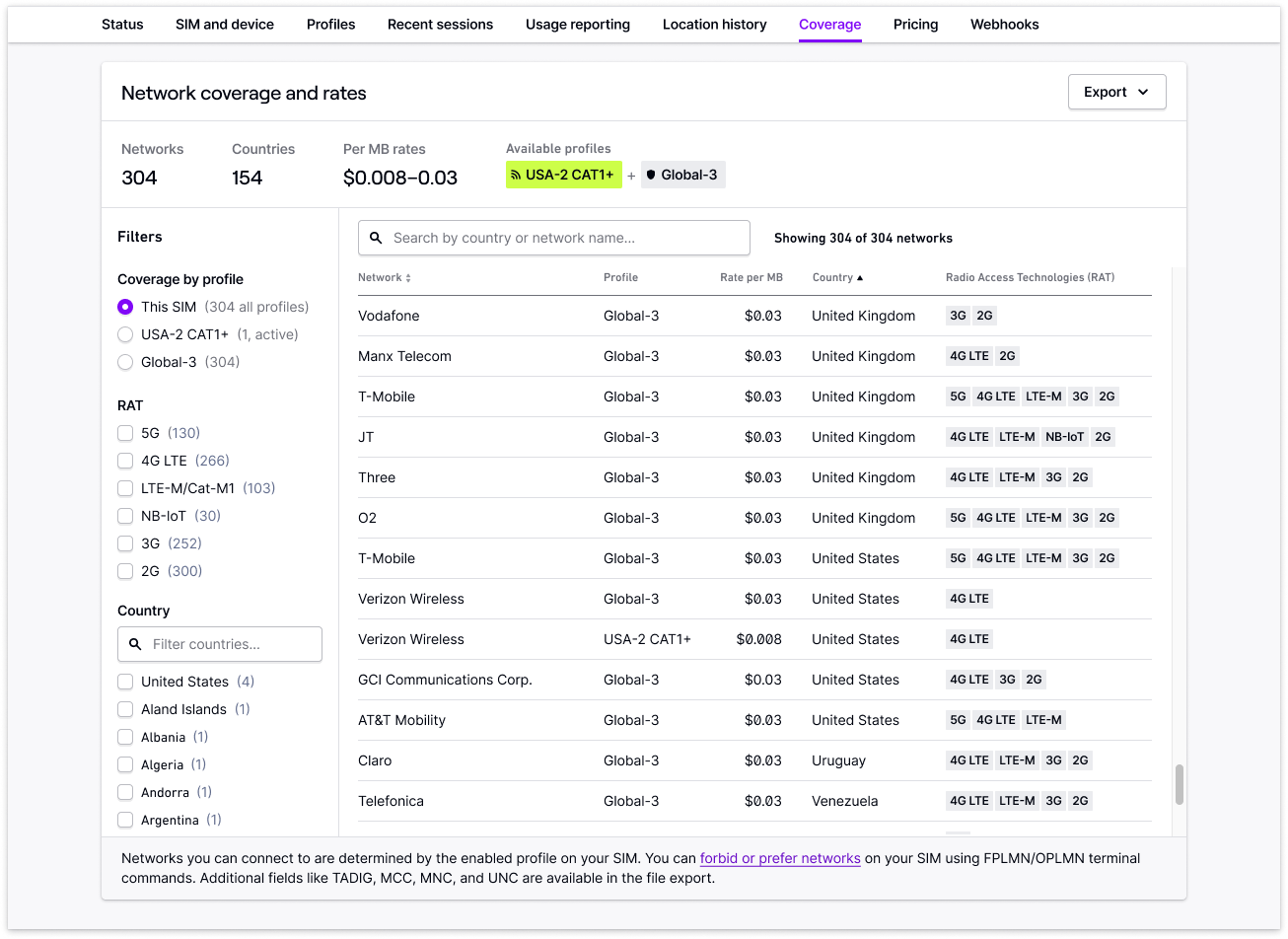
Hologram provides extensive global coverage. The Coverage tab on a SIM shows the exact networks your SIM can connect to and the rates you can expect, based on the SIM’s active data plan and installed profiles.Documentation Index
Fetch the complete documentation index at: https://docs.hologram.io/llms.txt
Use this file to discover all available pages before exploring further.
Find coverage and rates for a SIM