

Note: We recommend that all organizations with prepaid billing enable auto-refill to help prevent service interruptions for your IoT devices. Account auto-refill does not apply to organizations with monthly invoicing.
Set up account auto-refill
1
Go to Billing → Account
In your Dashboard, open Billing from the left navigation. The Account page opens by default. Scroll to the Account balance card, which will display your current balance and auto-refill settings for your organization.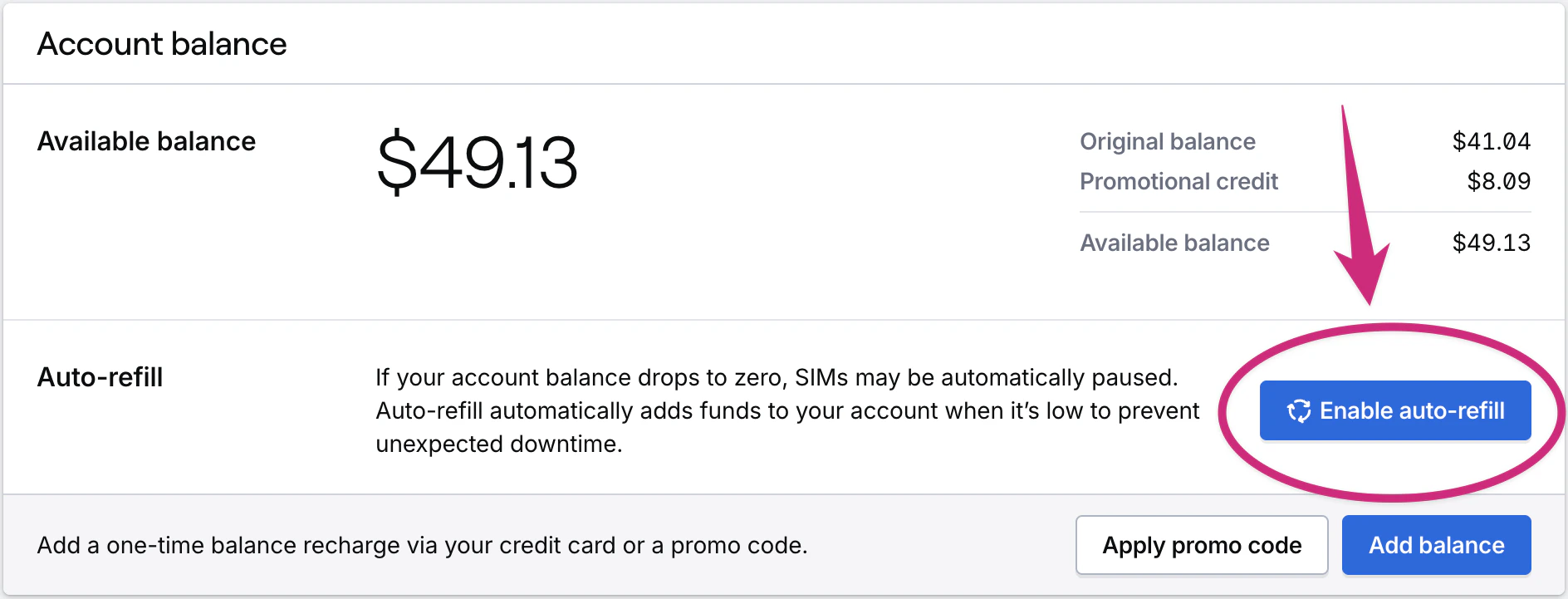
2
Enter Auto-refill thresholds
Enter the minimum balance threshold that triggers auto-refill, and the amount to add when auto-refill is triggered. Save your changes.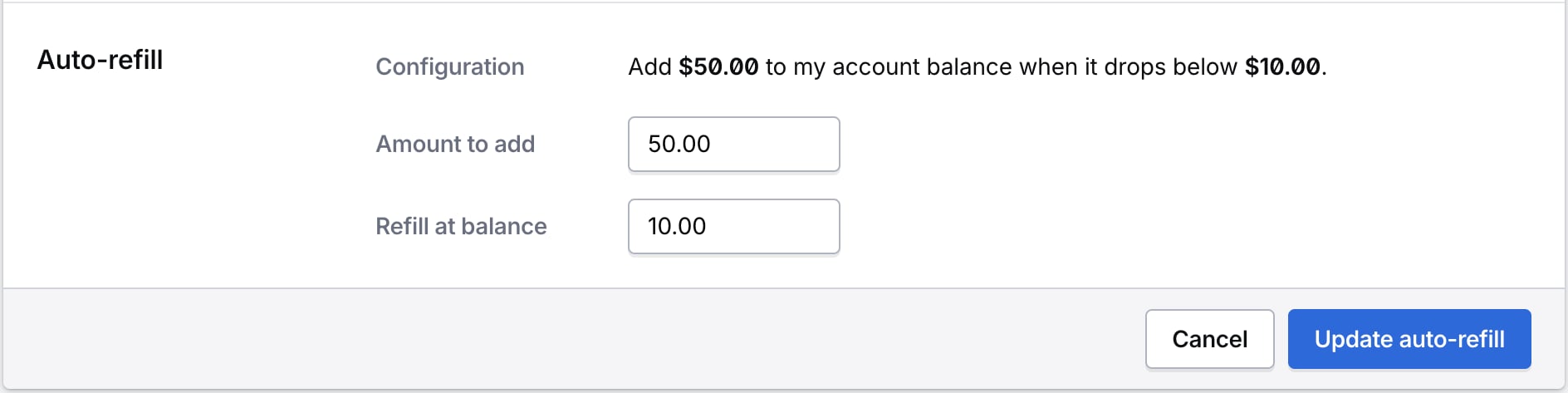
Change account Auto-refill during activation
If you have not yet configured auto-refill for your organization, it will appear in the final Pay and activate step of the activation process. If you do have auto-refill set up this information will not appear in the activation workflow.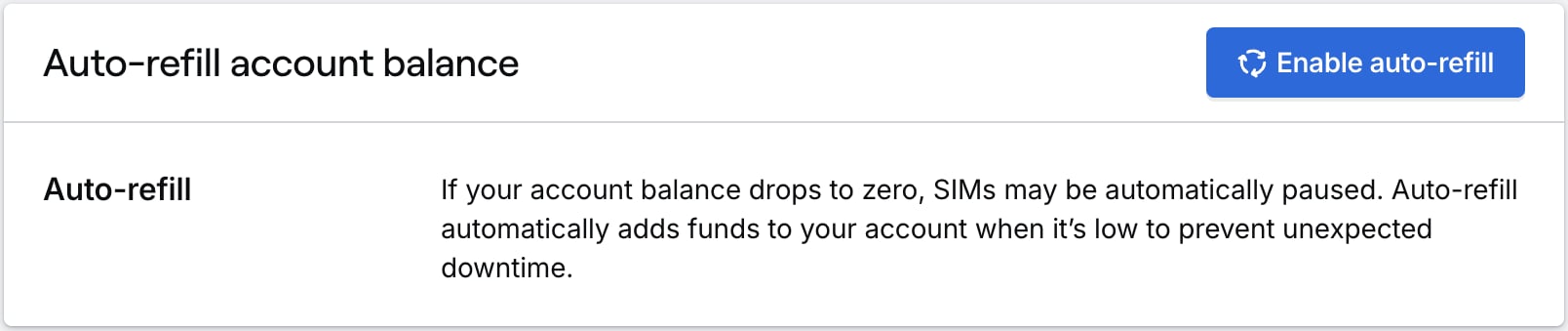
Related actions
Activate SIMs
Configure auto-refill during SIM activation