

Billing account balance
Most organizations are prepaid and will have a balance in their account that they will draw down from like a debit card. The Account balance card shows your current balance, a high level breakdown of your balance, and allows you to Add balance and Apply promo codes.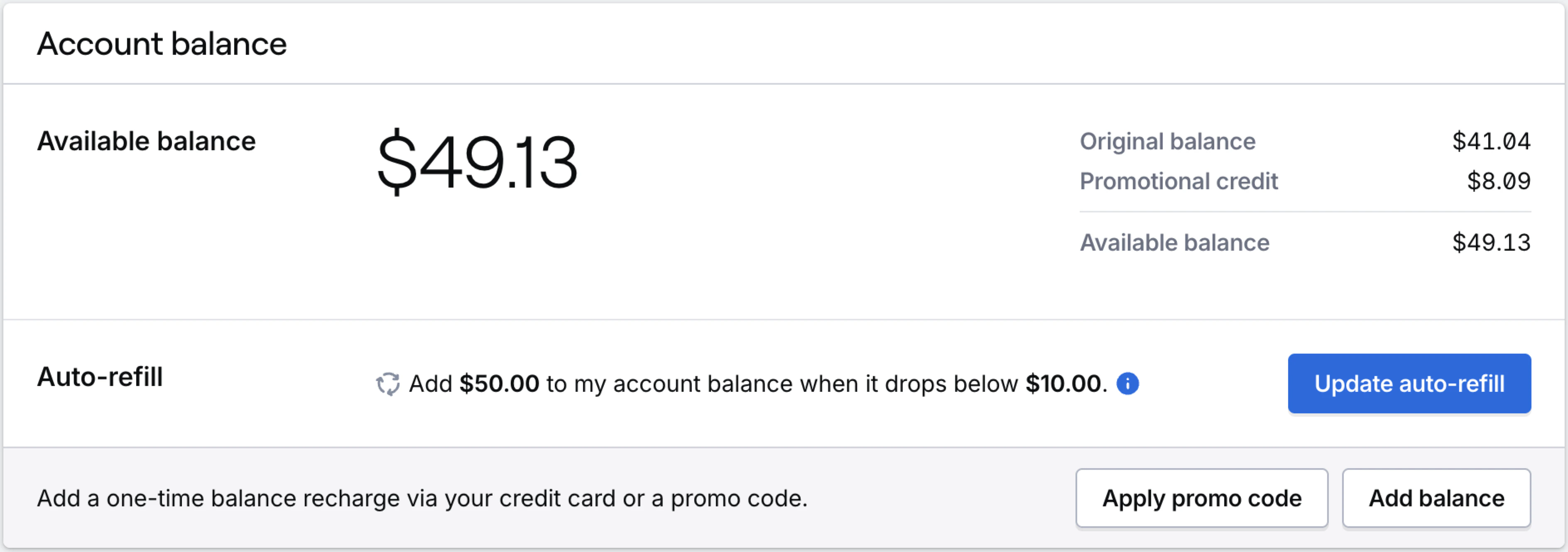
Add or change a billing address
A billing address is required to activate SIMs, make purchases, and refill account balances.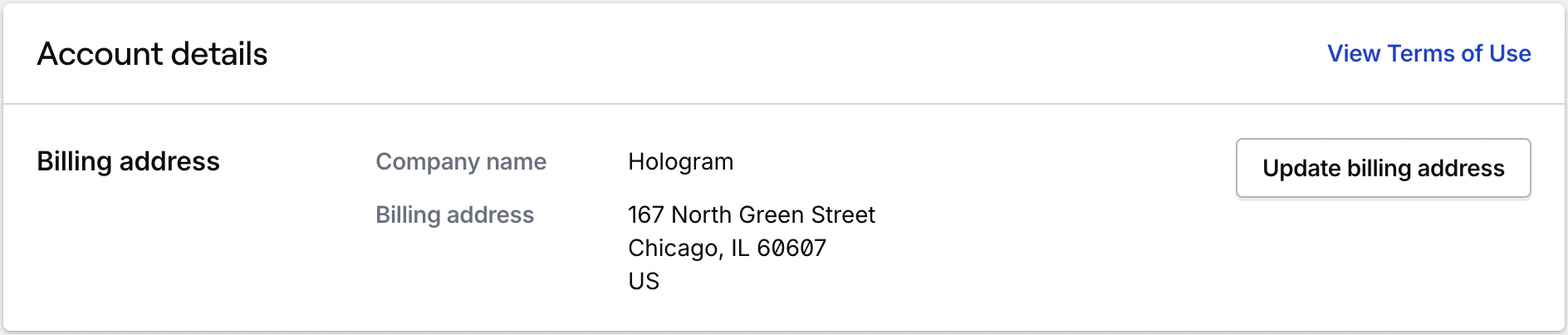
Add or change a billing address
Learn how to add or change a billing address for your organization.
Add or change a payment method
All organizations must have a credit card on file in order to activate SIMs, make purchases, and refill account balances.
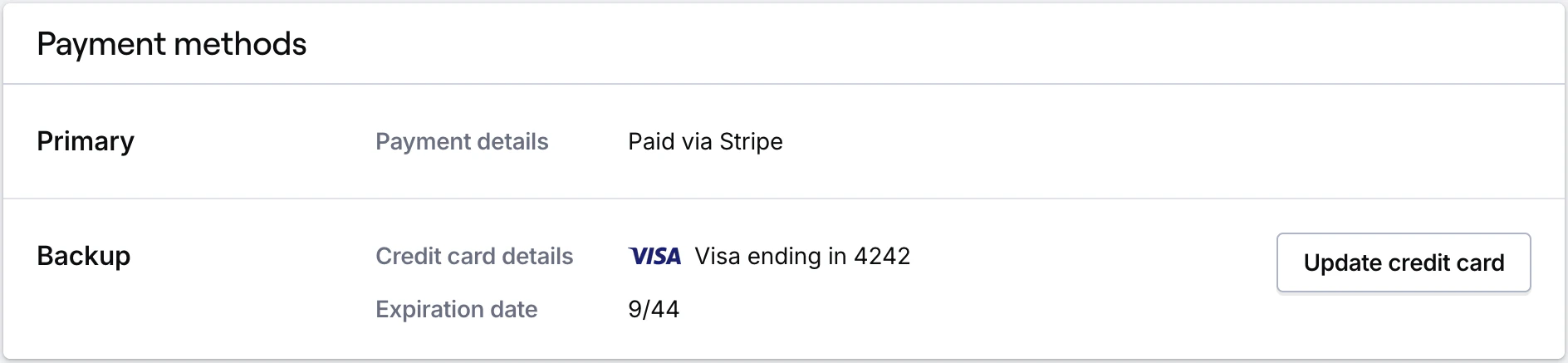
Add or change a payment method
Learn how to add or change a payment method for your organization.
Account auto-refill
If you have prepaid billing, you can enable auto-refill to automatically add funds when your balance falls below a specified threshold. Auto-refill section in the Account balance card shows the status and setting of your auto-refill selection.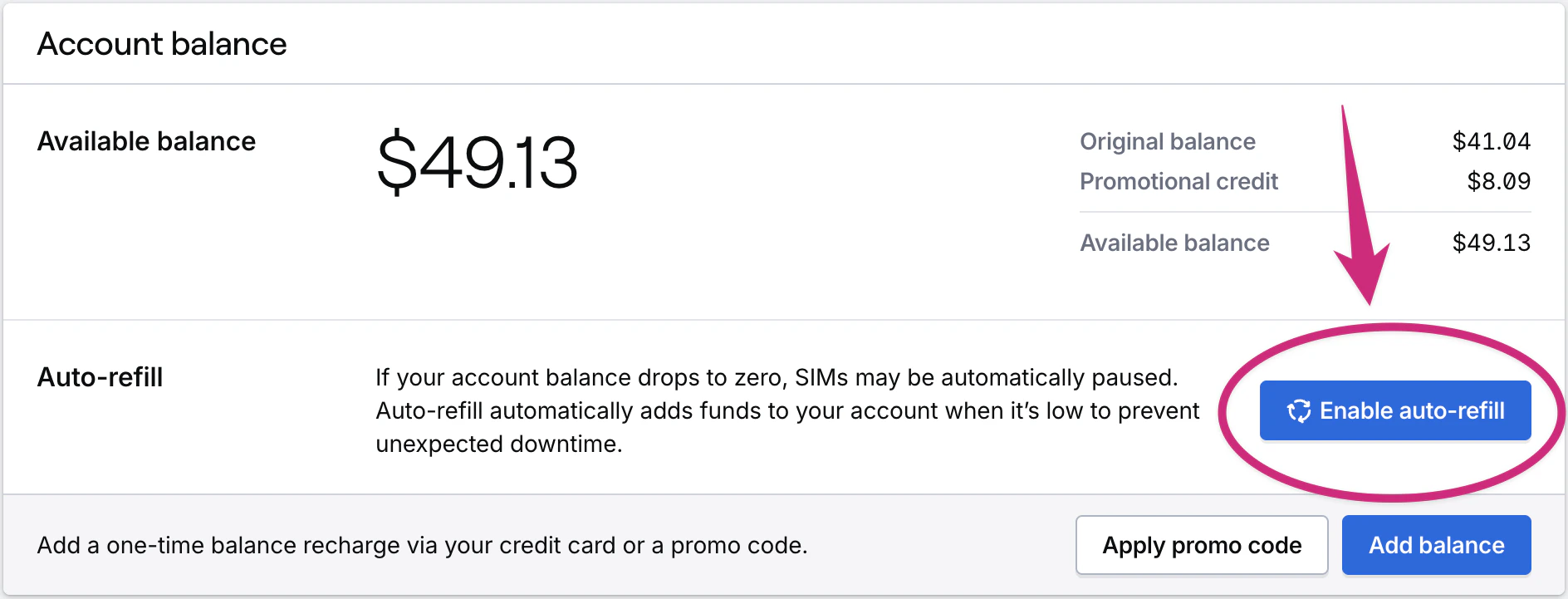
Set up account auto-refill
Learn how to set up account auto-refill for your organization.
Credit card email recipients
Credit card receipts will be sent to all Admins in your organization as well as any additional email addresses you specify here.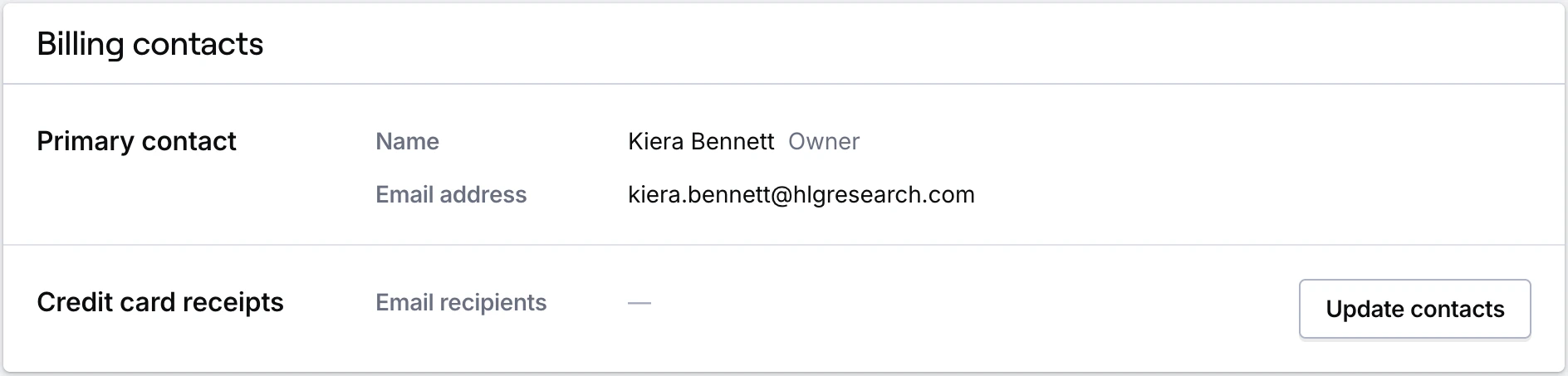
Limited access: Some functionality in your dashboard is restricted to roles with access.