

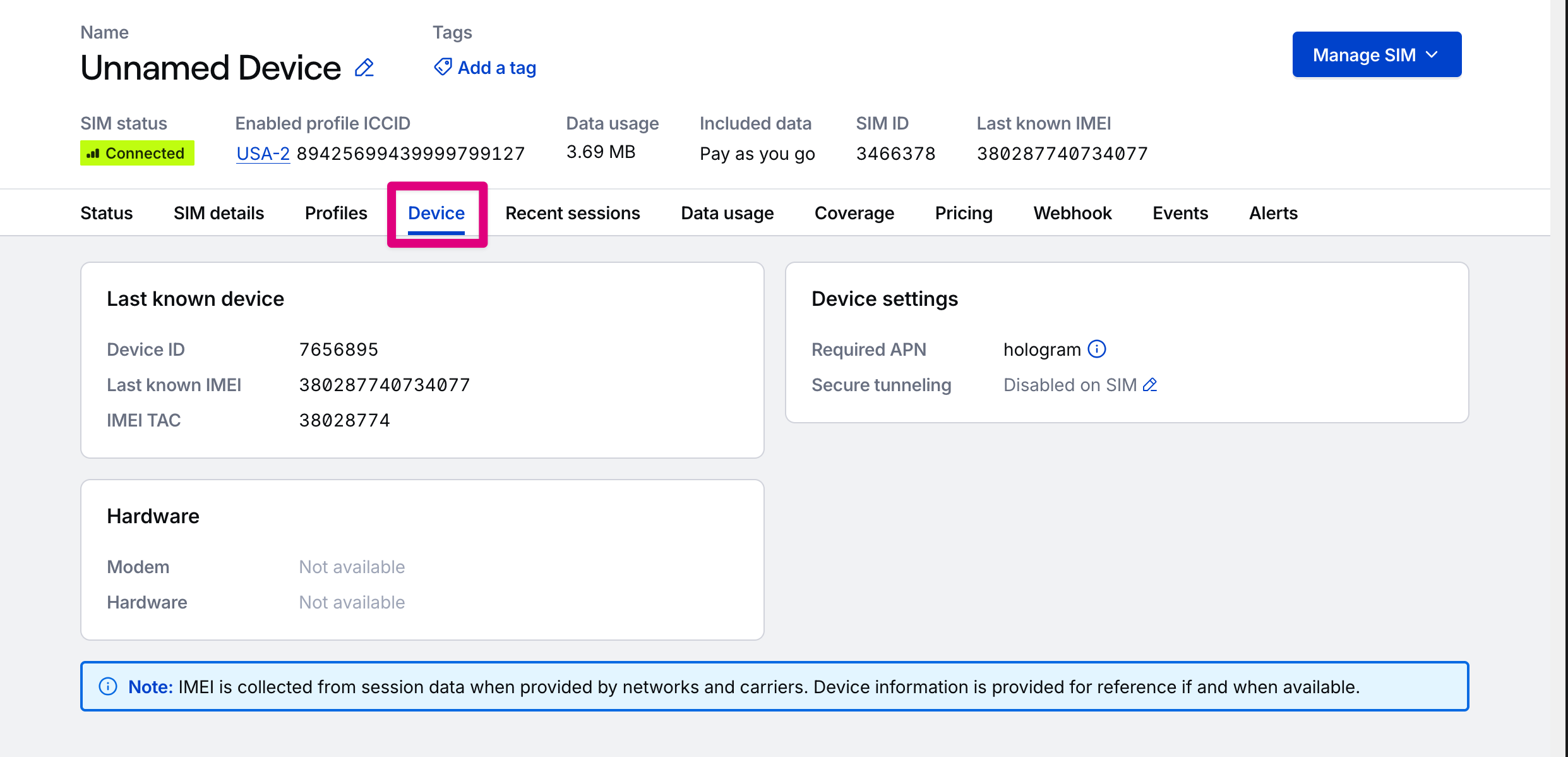
Last known device card
The primary identifiers for the last known device. IMEI is collected from session data when provided by networks and carriers. Device information is provided for reference if and when available.Field descriptions
Field descriptions
Hardware card
What Hologram can determine about the device’s hardware from the IMEI TAC if we have associated hardware information for it.Field descriptions
Field descriptions
Device settings card
Settings that affect the device a SIM is installed within, based on its enabled profile.Field descriptions
Field descriptions
The Access Point Name (APN) your device needs to connect through the SIM’s enabled profile. If the SIM’s profiles require different APNs, all of them display, and your device must switch APNs when the SIM switches profiles. Learn how to set the APN.
Whether secure device tunneling with Spacebridge is enabled and available through the SIM’s enabled profile.
Related actions
REST API endpoint
Get device details
GET /devices/Secure device tunneling
Enable or disable secure tunneling with Spacebridge
Limited access: Some functionality in your dashboard is restricted to roles with access.