

Documentation Index
Fetch the complete documentation index at: https://docs.hologram.io/llms.txt
Use this file to discover all available pages before exploring further.
How to simulate a message from a single SIM
After successfully submitting the form, the Activity drawer at the bottom of your dashboard will open to show your message. If you want to see all the routes triggered by this message, make sure All activity is selected in the console filters.
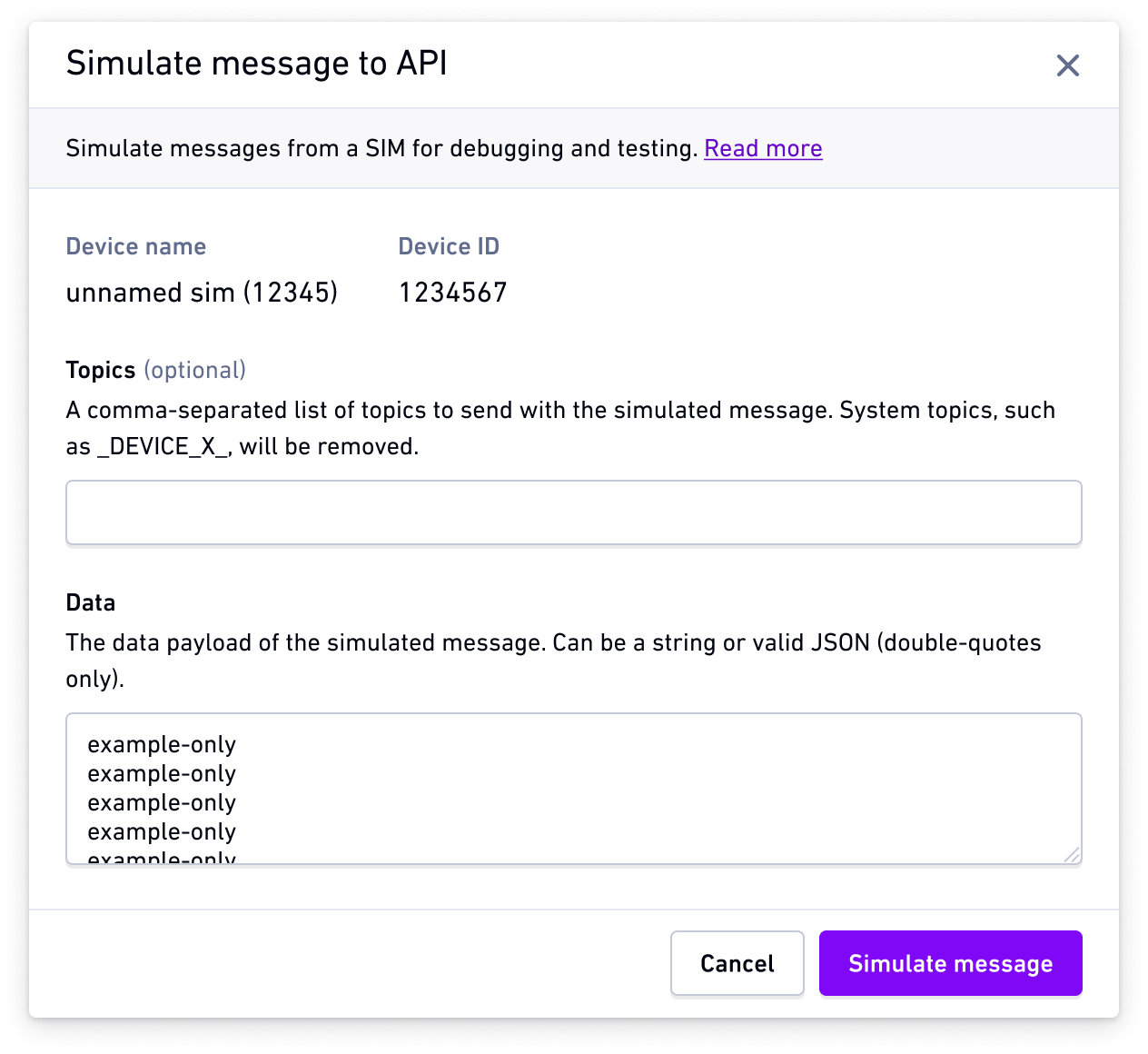
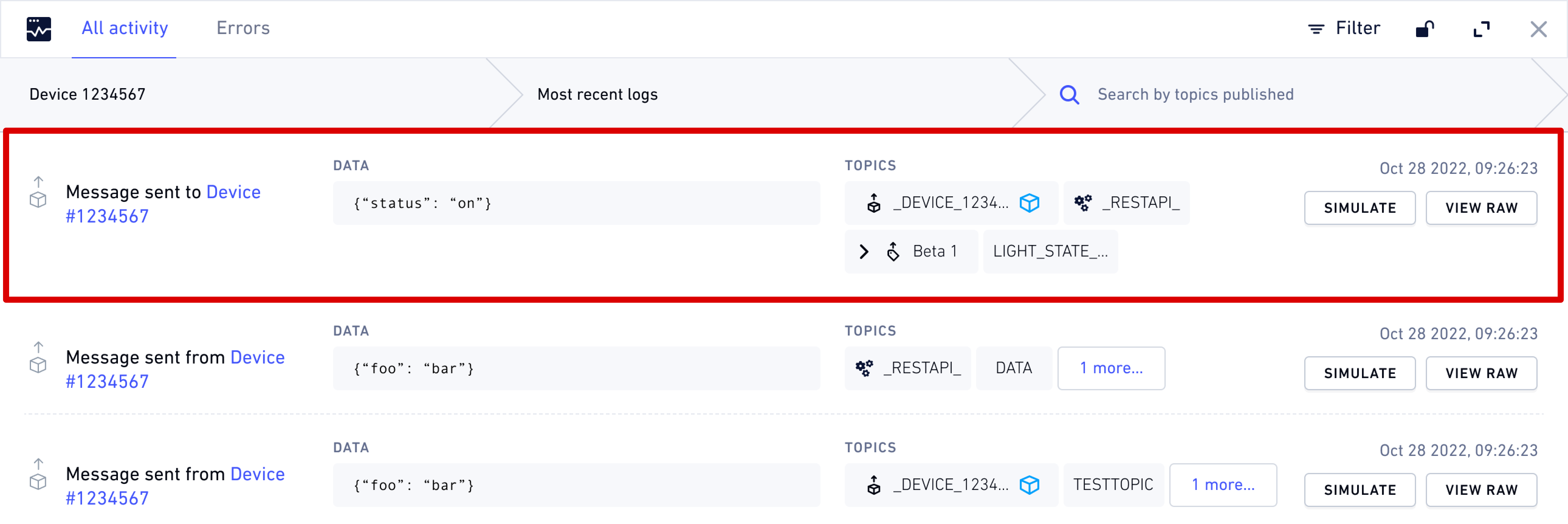
Note: You can replay a previously logged device message by clicking the Simulate button from any outbound message row in the Activity console, which will pre-fill the simulate form with that message’s data.
How to simulate messages using the REST API
REST API endpoint
Send a cloud message to the API from a single SIM
POST /csr/dataRelated actions
Learn about simulating messages
Learn how to simulate Data Router cloud messages from a device to test routes and webhooks
Send message to SIMs
Send SMS or cloud messages to devices.